Text to 3D Motion
Text to 3D Motion AI
Describe a character action in plain language and generate reusable 3D motion with AI. Preview the animation online and export an animated FBX for your 3D workflow.
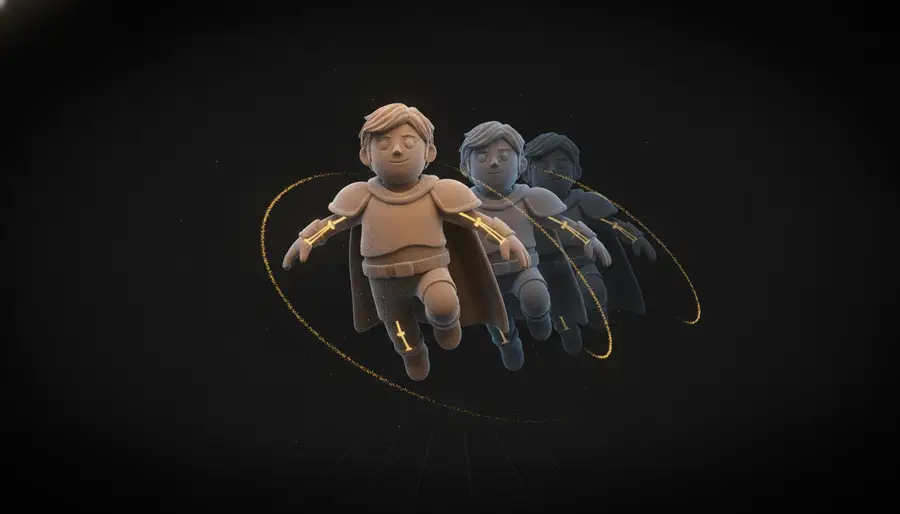
Generate 3D Motion From a Simple Text Prompt
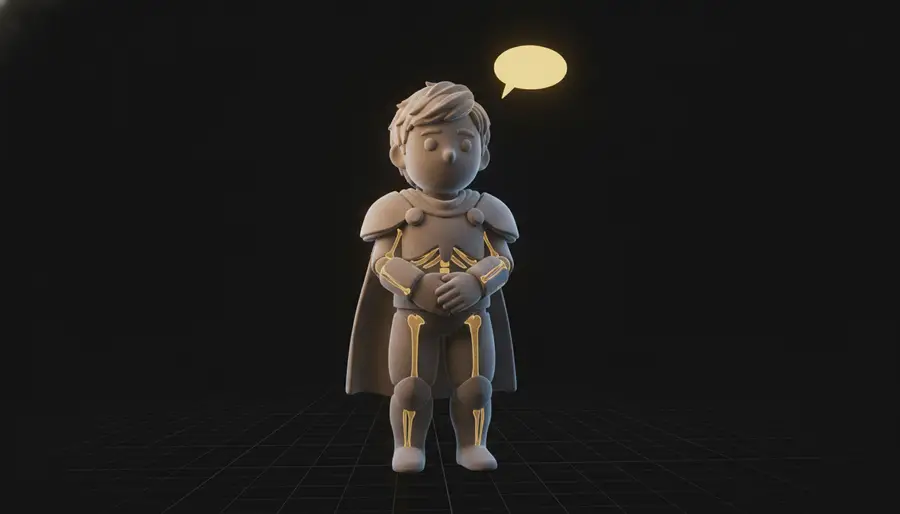
Step 1
Describe the Action
Write the movement you want the character to perform — for example: a person walks forward and waves with the right hand.
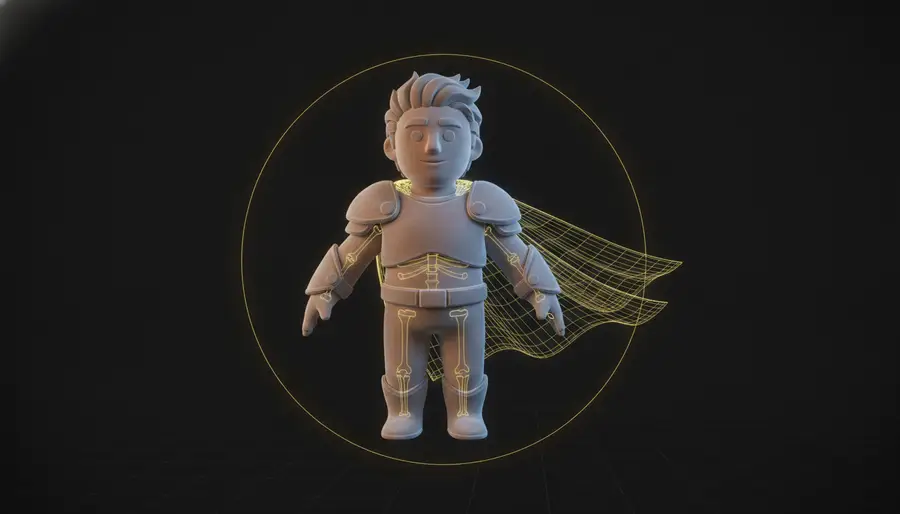
Step 2
AI Generates the Motion
AI interprets your description and creates matching 3D character movement on the default character.
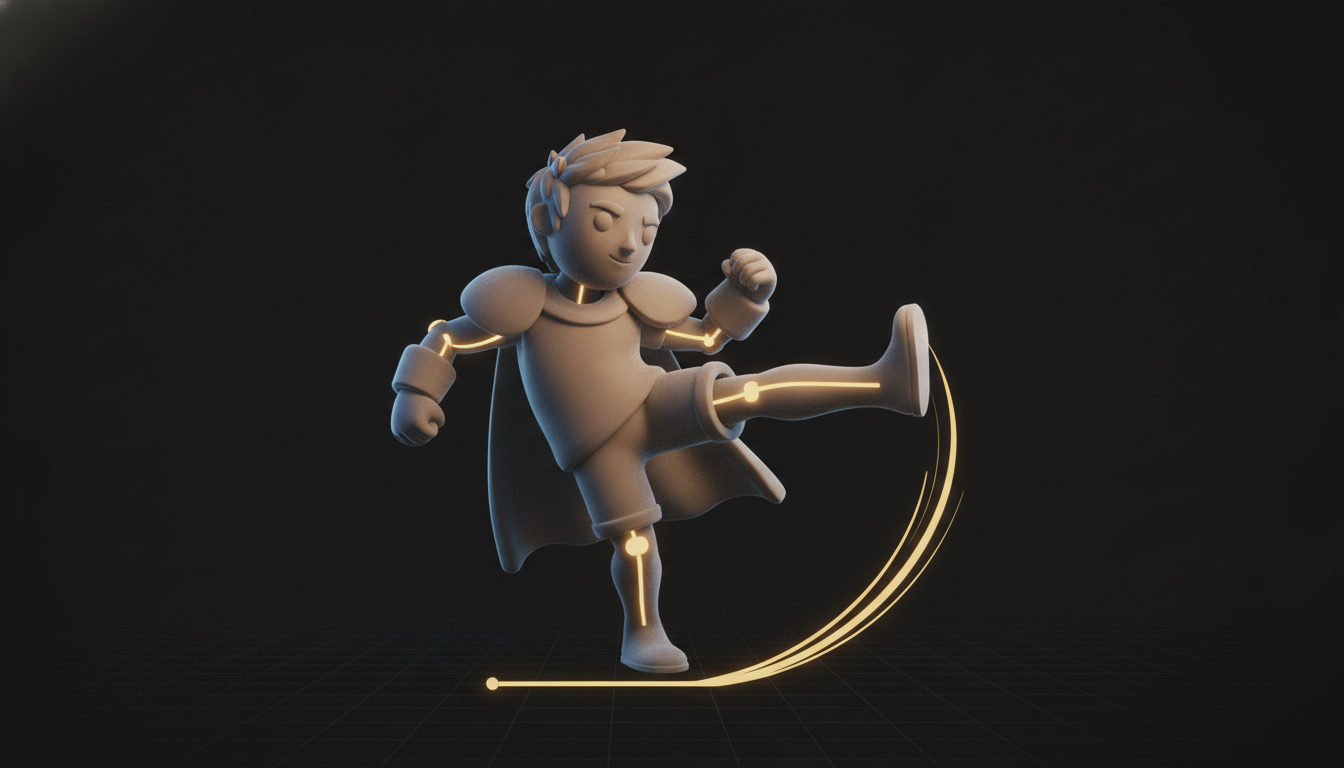
Step 3
Preview and Export
Preview the animation online with playback controls, then export the animated FBX.
Why Use Text to 3D Motion?
No Mocap Setup
Skip motion capture suits, cameras and cleanup — type what you need and get usable skeletal animation data.
Natural-Language Control
Describe timing, direction and style in plain words; prompt enhancement adds useful motion details automatically.
Fast Iteration
Test many motion ideas in minutes and keep only the ones that fit your scene.
Animated FBX Export
Download the generated motion as an animated FBX and retarget or refine it in Blender, Unity, Unreal and other tools.
What Can You Do with Text to 3D Motion?
Game Prototyping
Quickly create character motion ideas for games and interactive prototypes.
Animation Blocking
Generate an initial motion sequence before refining it in a professional 3D tool.
Character Previsualization
Test movement ideas before spending time on detailed animation work.
Avatar Animation
Preview AI-generated motion on the default character. For your own character, use the complete animation generator.
Example Motion Prompts
Concrete sentences produce the most reliable motion. Start from these examples and adjust the action, direction and style.
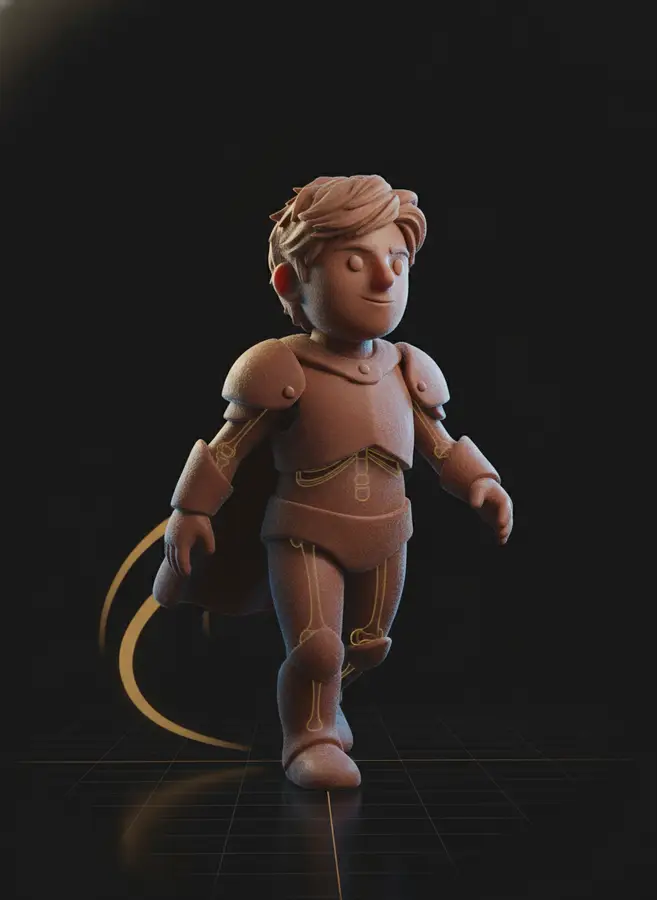
Natural Movement
- Prompt
- A person walks forward naturally and looks around.
- Motion
- Walking cycle with a head turn
- Output
- Animated FBX with playback preview
Greeting
- Prompt
- A person walks forward and waves with the right hand.
- Motion
- Walk plus right-hand wave
- Output
- Animated FBX with playback preview
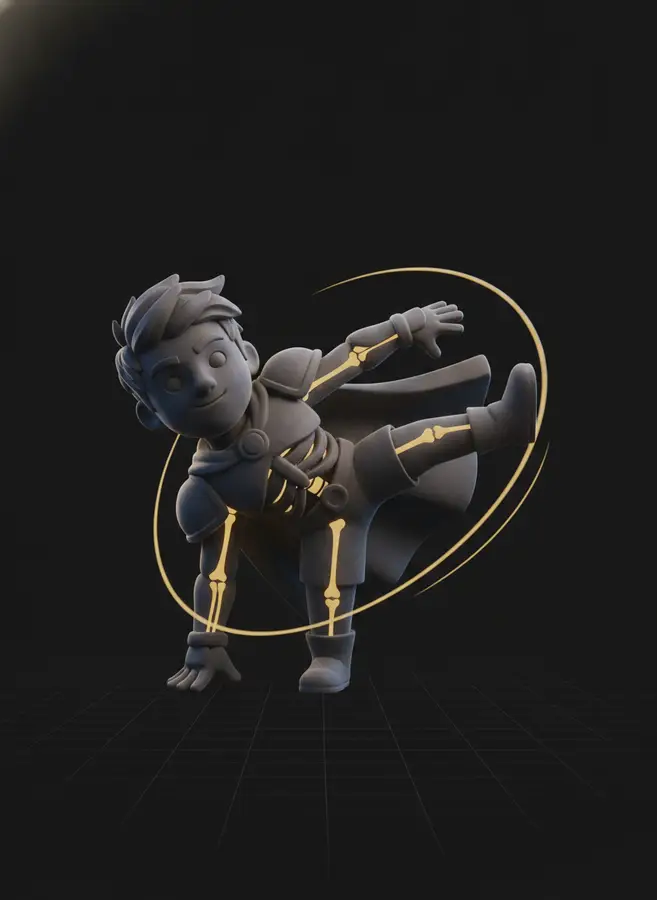
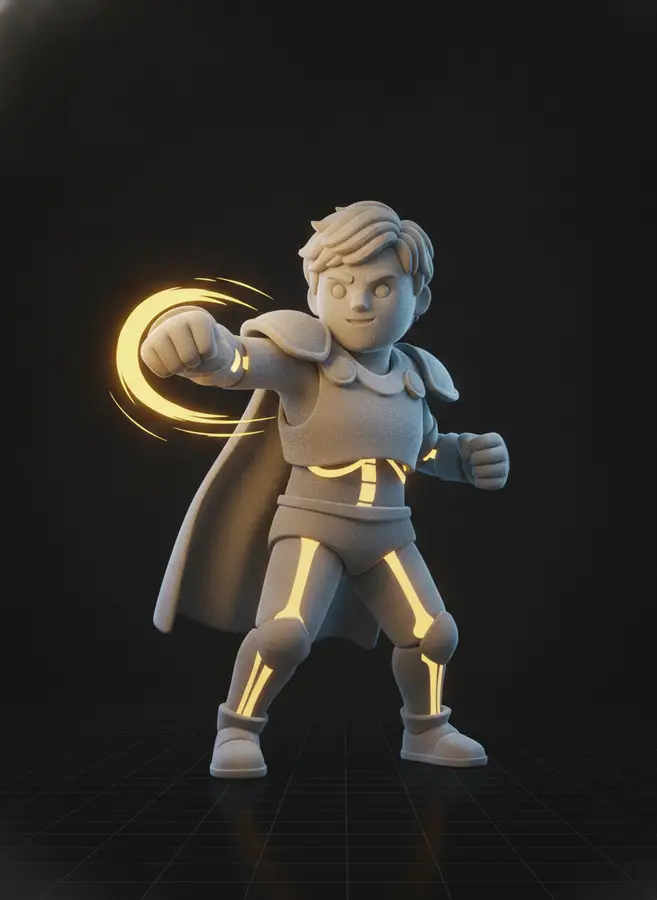
Combat
- Prompt
- A fighter performs two punches followed by a spinning kick.
- Motion
- Punch combo into spin kick
- Output
- Animated FBX with playback preview
What Is Text to 3D Motion?
Text to 3D motion converts a natural-language action description into reusable 3D character animation data. You write what should happen — "a person walks forward", "a fighter throws two punches", "a character waves hello" — and an AI 3D motion generator produces the corresponding skeletal animation, ready to preview and download as an animated FBX. Instead of shooting motion capture footage or hand-keying every frame, text to motion turns animation into a typing task.
This text-to-motion tool runs fully in the browser: describe the action in plain English (or Chinese), optionally set a duration from 3 to 12 seconds or let AI match the length to your description, and generate. Prompt enhancement is enabled by default and enriches short descriptions with the motion details the model needs, which is especially helpful for one-line prompts. The same motion prompt engine also powers the AI 3D Character Animation Generator, where the generated motion is retargeted onto your own uploaded character.
Good motion prompts follow a simple pattern: character, then action, then detail. "A person walks forward and waves with the right hand" gives the model an actor, an action and a refinement — far more reliable than a single word like "wave". Simple, grounded motions such as walking, running, jumping, waving and dancing produce the most stable results, while extreme gymnastics can show minor mesh intersections depending on the character topology and rig.
Frequently Asked Questions
What is Text to 3D Motion?
Text to 3D Motion converts a natural-language action description into reusable 3D character animation data, generated by AI and exported as an animated FBX.
What kinds of motion can I generate?
You can describe common human actions such as walking, running, jumping, waving, dancing, combat moves, and other short character motions up to 12 seconds.
How long can the animation be?
Pick a fixed duration of 3, 5, 8 or 12 seconds, or leave it on Auto and AI matches the duration to your motion description.
Can I animate my own character?
This tool generates motion for a default character. To animate your own FBX or GLB character, use the AI 3D Character Animation Generator — it auto-rigs your model and applies the text-generated motion in one workflow.
What does Enhance Motion Prompt do?
Prompt enhancement rewrites and enriches your input with useful motion details before generation, improving quality for short or simple prompts. You can turn it off in Advanced Settings if you want the motion to follow your exact wording.
What format can I download?
Generated motion can be exported as an animated FBX file (including the skinned default character) for further 3D workflows.
Why can extreme motions cause clipping?
Complex or extreme actions may create minor mesh intersections or deformation depending on the character topology, rig, clothing, and proportions. Simpler and cleaner actions generally produce more stable results.
How much does a generation cost?
Each text-to-motion generation costs 20 credits regardless of duration or prompt enhancement.
AI 3D Tools
AI 3D Character Animation Generator
Upload your 3D character, let AI automatically rig it, then generate character motion in one seamless workflow. Preview the animation online and export an animated FBX in minutes.
AI Auto Rigging
Upload an FBX or GLB character and automatically generate bones and skin weights with AI. Optionally add a preset motion before generating, then preview or download your rigged model.
AI Texture Generator
Generate production-quality PBR textures for your 3D models in seconds with our AI Texture Generator
AI 3D Retopology
Upload any OBJ or GLB model and let AI rebuild the topology with fewer, cleaner polygons. Choose triangle or quad-oriented output, pick a detail level, and download a production-ready mesh in seconds.
AI UV Unwrapping
Upload an OBJ, GLB, or FBX model and let AI unwrap the UVs for you. No manual seam placement, no texture stretching — get a clean, texture-ready UV map and downloadable result files in seconds, right in your browser.
3D Model Splitter
Upload your 3D model and let AI automatically separate it into individual parts. Extract characters, accessories, objects, and components for easier editing, customization, 3D printing, and game workflows.
Photo to 3D Avatar
Make Your Custom 3D Avatar from a Single Photo
Custom 3D Figurine from Photo
Upload one photo and turn it into a custom 3D figurine that keeps the person, pose, outfit, and framing recognizable.
Sketch to 3D Model
Upload a drawing, describe the materials, and get a clean textured 3D model in minutes — no 3D modeling skills required.
Animate a Character From Start to Finish
This tool generates motion for a default character. To apply AI motion to your own FBX or GLB character, use the complete AI 3D Character Animation Generator — auto rigging included.


