AI Auto Rigging
AI Auto Rigging for 3D Characters
Upload an FBX or GLB character and automatically generate bones and skin weights with AI. Optionally add a preset motion before generating, then preview or download your rigged model.
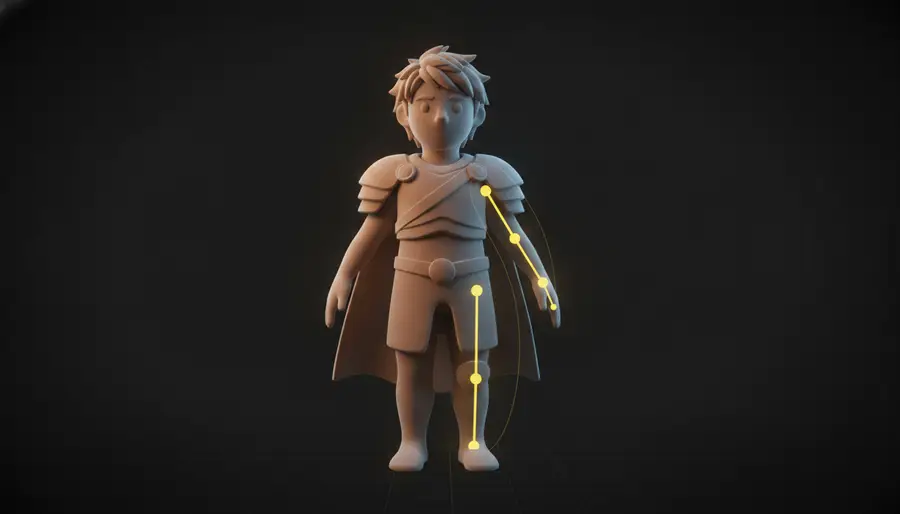
How AI Auto Rigging Works
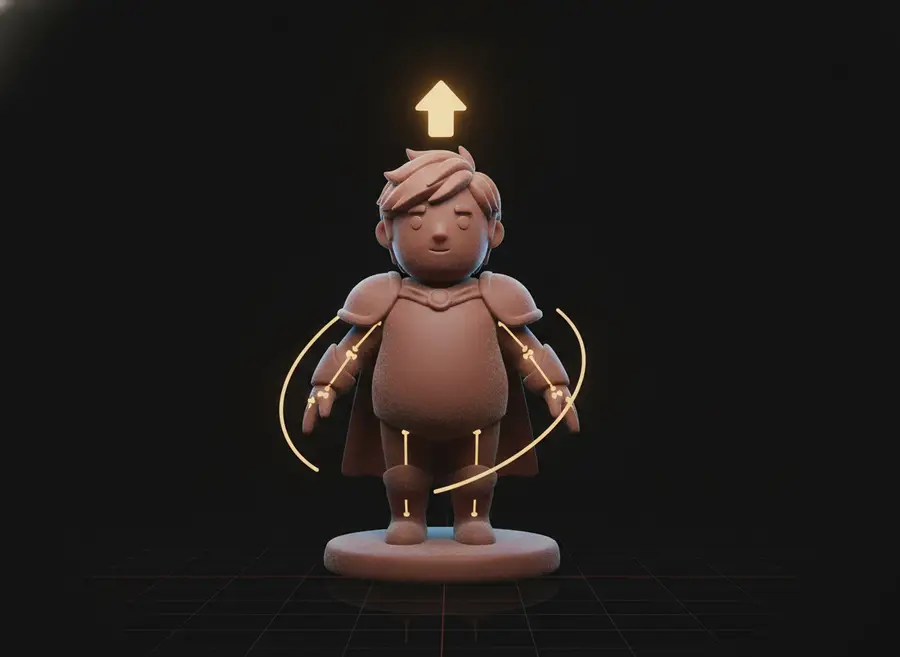
Step 1
Upload Your Character
Upload an FBX or GLB character model up to 60 MB — no plugin or desktop software required.
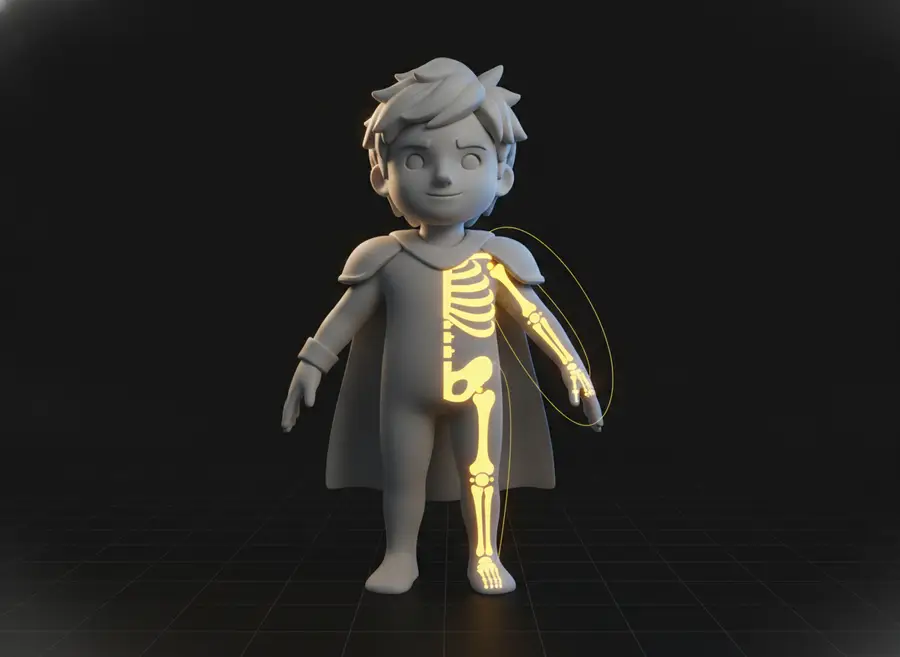
Step 2
AI Builds the Rig
AI automatically generates a skeleton and skin weights for your character, replacing hours of manual bone placement and weight painting.
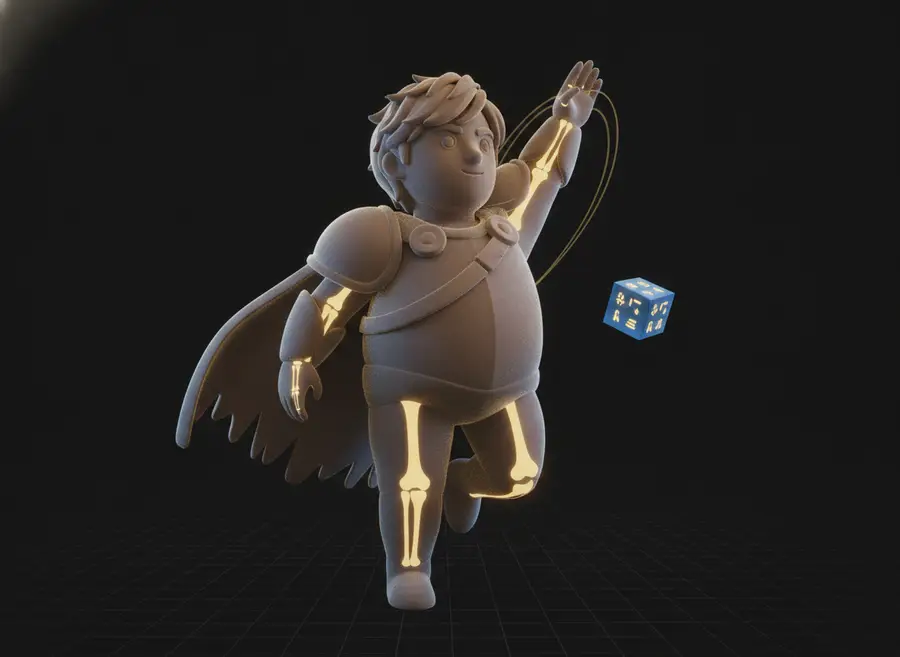
Step 3
Preview or Export
Preview the rigged character — with a preset motion if you added one — then download the rigged FBX for your animation workflow.
Rig 3D Characters Without Manual Bone Setup
Automatic Skeleton Generation
Skip manual bone placement and quickly prepare your character for animation.
Automatic Skinning
AI assigns skin weights so the character mesh moves with the generated skeleton.
Motion Preview
Test your rig with common character actions like idle, walk, run, jump, punch, kick and dance before exporting.
Ready for Your 3D Workflow
Continue working with the rigged model in Blender, Unity, Unreal, and other 3D pipelines.
48 Preset Motions for Rig Testing
Auto rigging on this page is always paired with an optional preset motion: pick Idle, Walk, Run, Jump, Punch, Kick, Dance and more from 48 built-in templates to verify your rig before export. Preset motions apply to humanoid characters; animal and other non-humanoid models can still be rigged, just without a motion template. Rigging quality depends on topology, proportions, pose and clothing — extreme actions such as backflips may show minor stretching or mesh intersections on some characters.
What Can You Do with Auto Rigging?
Game Characters
Prepare game characters and NPC prototypes for animation faster.
3D Avatars
Turn generated avatars into animation-ready characters.
Character Prototyping
Quickly test movement before investing time in manual rigging.
AI-Generated 3D Models
Add bones and skin weights to characters created with AI 3D generators.
From Static Model to Animation-Ready Character
A typical auto rigging run: upload a static humanoid in A-pose, let AI generate the skeleton and skin weights, and export a rigged FBX with a walking preview.
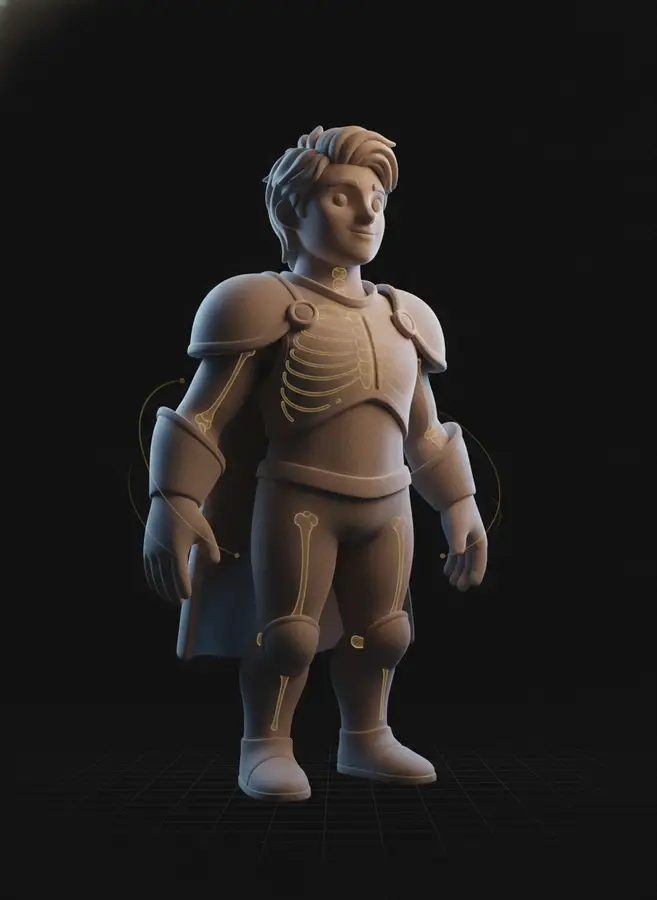
Humanoid Game Character
- Input
- Static humanoid 3D character in A/T-pose.
- Motion
- Walk
- Output
- Rigged FBX with skeleton, skin weights and a walking preview.
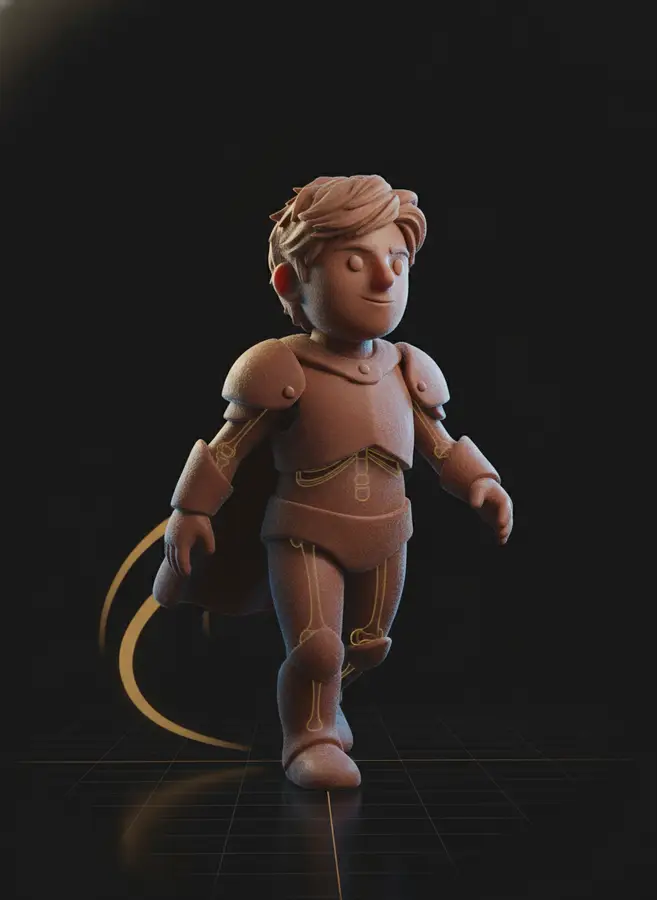
AI-Generated Avatar
- Input
- Character created with an AI 3D generator, no rig.
- Motion
- Idle
- Output
- Animation-ready rigged model with an idle motion preview.
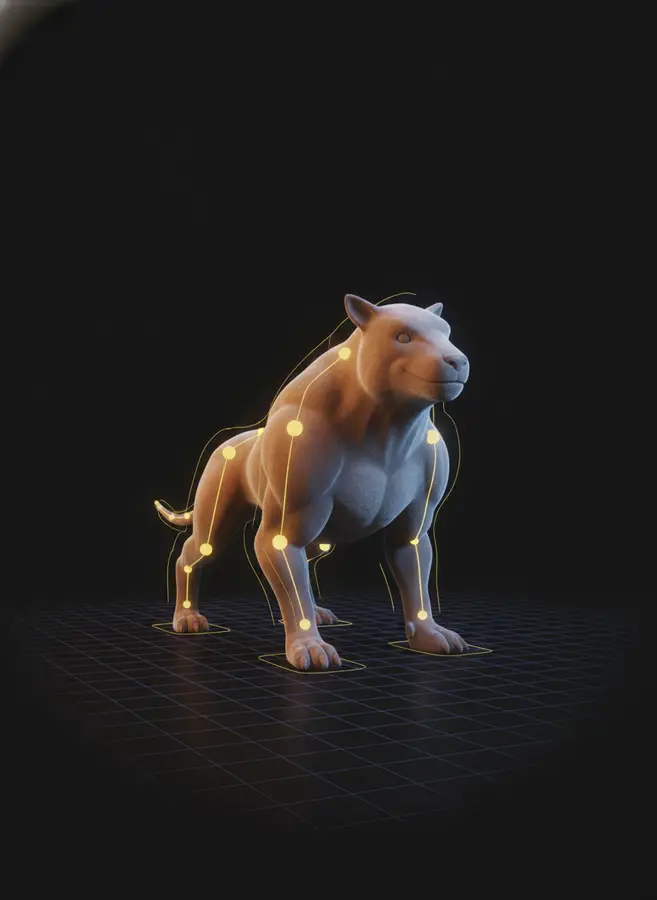
Stylized Prototyping Character
- Input
- Clean stylized character with separated limbs.
- Motion
- Rig Only
- Output
- Rigged FBX ready for custom animation in Blender or Unity.
What Is Auto Rigging?
Auto rigging is the process of adding a complete bone skeleton and skin weights to a static 3D character automatically. In a traditional DCC tool, rigging a character means placing every joint by hand, building the bone hierarchy, and painting skin weights so the mesh deforms correctly — skilled work that routinely takes hours per character. An AI auto rigging tool analyzes the character mesh, predicts the joint layout, builds the skeleton hierarchy, and computes skin weights for you, turning a static model into an animation-ready asset in minutes.
This page is an online auto rigging tool: upload a rigged-ready FBX or GLB character in A-pose or T-pose and the AI rigging generator produces a rigged character you can preview in the browser. Choose one of 48 preset motions — idle, walk, run, jump, punch, kick, dance and more — to see the rig in action before exporting, or rig only and test the skeleton later in your own pipeline. Animal models and other non-humanoid creatures can also be rigged, although preset motion templates are limited to humanoid characters.
Compared with manual rigging or importing characters into desktop auto-rigger plugins, browser-based AI character rigging needs no installation and no rigging experience: rig a 3D model online, preview the result, and export a rigged FBX that imports into Blender, Unity, Unreal Engine, Maya and other standard 3D software. From there you can retarget any animation library onto your newly rigged character or keep working with the complete AI 3D Character Animation Generator to create custom motions from a text description.
Frequently Asked Questions
What is AI auto rigging?
AI auto rigging automatically creates a skeleton and skin weights for a 3D character, helping turn a static model into an animation-ready asset without manually placing every bone.
What 3D file formats are supported?
You can upload FBX and GLB character models up to 60 MB. The result is delivered as a rigged FBX file.
Do I need a T-pose or A-pose?
A clean T-pose or A-pose is recommended because clearly separated limbs usually produce better rigging and skinning results.
Can I preview animations after rigging?
Yes. Pick one optional preset motion — idle, walk, run, jump, punch, kick, dance and more — before generating and the exported FBX includes that motion for preview. Without a selected motion you get a rigged model without animation data, which you can animate in any 3D tool.
Can I rig animal or non-humanoid models?
Yes. Animals and other non-humanoid creatures can be auto-rigged, but the provider does not support preset motion templates for them — select the non-humanoid character type and the motion picker will be hidden.
Why does my character deform during some animations?
Rigging quality depends on the model's topology, proportions, pose, clothing, and geometry. Extreme motions may cause minor mesh intersections or deformation around shoulders, joints, loose clothing, or connected accessories.
Can I use the rigged model in Blender, Unity, or Unreal?
Yes. The rigged FBX is designed for standard 3D workflows and imports into Blender, Unity, Unreal Engine, Maya, and other compatible applications.
How much does auto rigging cost?
Each rigging task costs 20 credits, and the preset motion is included when selected. You can generate as many rigs as your credit balance allows.
Can I create a custom animation after rigging?
Yes. Use the AI 3D Character Animation Generator to upload the original character model and generate a custom motion from a text description in one workflow.
AI 3D Tools
AI 3D Character Animation Generator
Upload your 3D character, let AI automatically rig it, then generate character motion in one seamless workflow. Preview the animation online and export an animated FBX in minutes.
Text to 3D Motion
Describe a character action in plain language and generate reusable 3D motion with AI. Preview the animation online and export an animated FBX for your 3D workflow.
AI Texture Generator
Generate production-quality PBR textures for your 3D models in seconds with our AI Texture Generator
AI 3D Retopology
Upload any OBJ or GLB model and let AI rebuild the topology with fewer, cleaner polygons. Choose triangle or quad-oriented output, pick a detail level, and download a production-ready mesh in seconds.
AI UV Unwrapping
Upload an OBJ, GLB, or FBX model and let AI unwrap the UVs for you. No manual seam placement, no texture stretching — get a clean, texture-ready UV map and downloadable result files in seconds, right in your browser.
3D Model Splitter
Upload your 3D model and let AI automatically separate it into individual parts. Extract characters, accessories, objects, and components for easier editing, customization, 3D printing, and game workflows.
Photo to 3D Avatar
Make Your Custom 3D Avatar from a Single Photo
Custom 3D Figurine from Photo
Upload one photo and turn it into a custom 3D figurine that keeps the person, pose, outfit, and framing recognizable.
Sketch to 3D Model
Upload a drawing, describe the materials, and get a clean textured 3D model in minutes — no 3D modeling skills required.
Ready to Animate Your Rigged Character?
Skip manual bone setup entirely: the complete AI 3D Character Animation Generator auto-rigs your model and generates a custom motion from a text description in one workflow.


