AI 3D Character Animation
AI 3D Character Animation Generator
Upload your 3D character, let AI automatically rig it, then generate character motion in one seamless workflow. Preview the animation online and export an animated FBX in minutes.
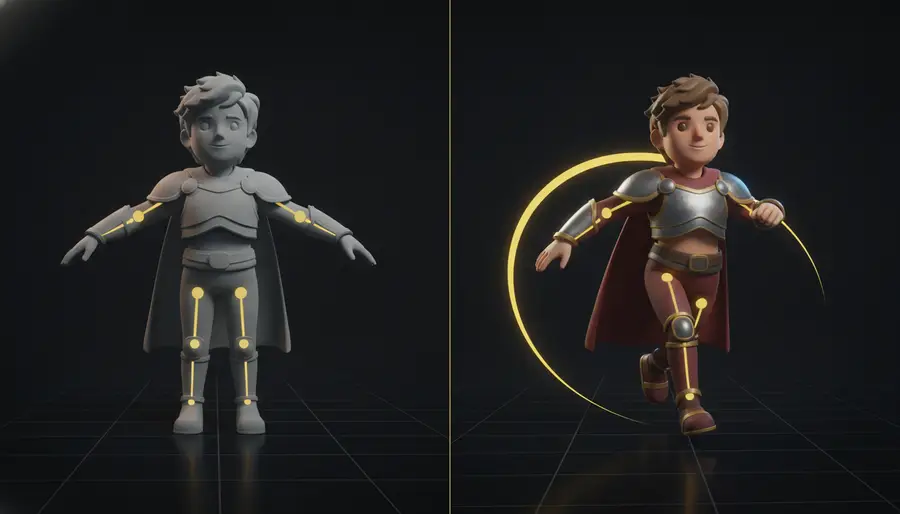
For Best Animation Results
Clean humanoid characters with clearly separated limbs generally produce better animation results. A-pose or T-pose models are recommended when available.
View model preparation tips
- Avoid merged arms and body
- Avoid extremely loose clothing
- Avoid oversized props
- Avoid very complex hair
- Keep the character clearly structured
Animate a 3D Character in Three Simple Steps
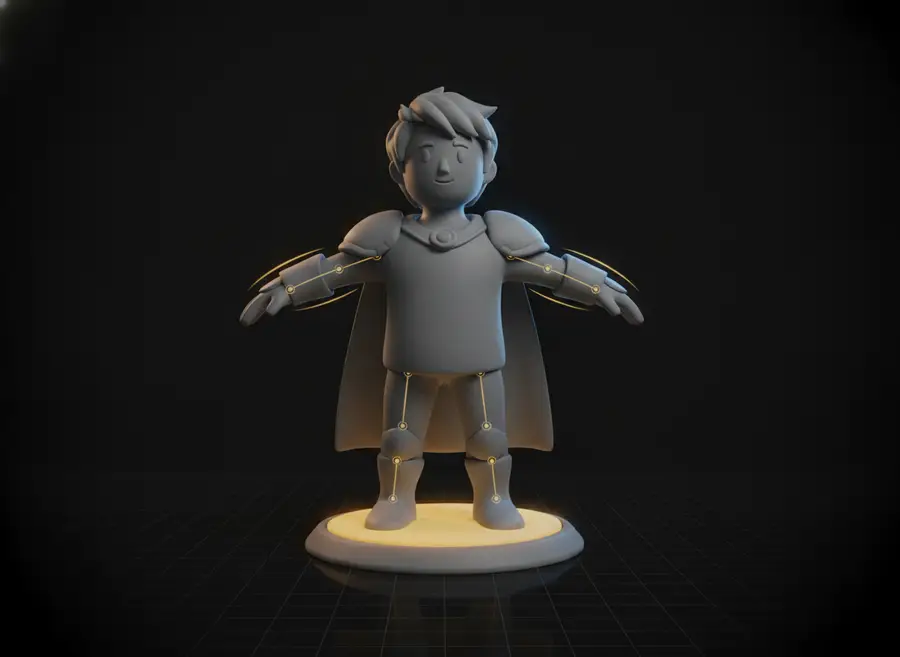
Step 1
Upload Your Character
Upload an FBX or GLB character model — no rig or skeleton required.
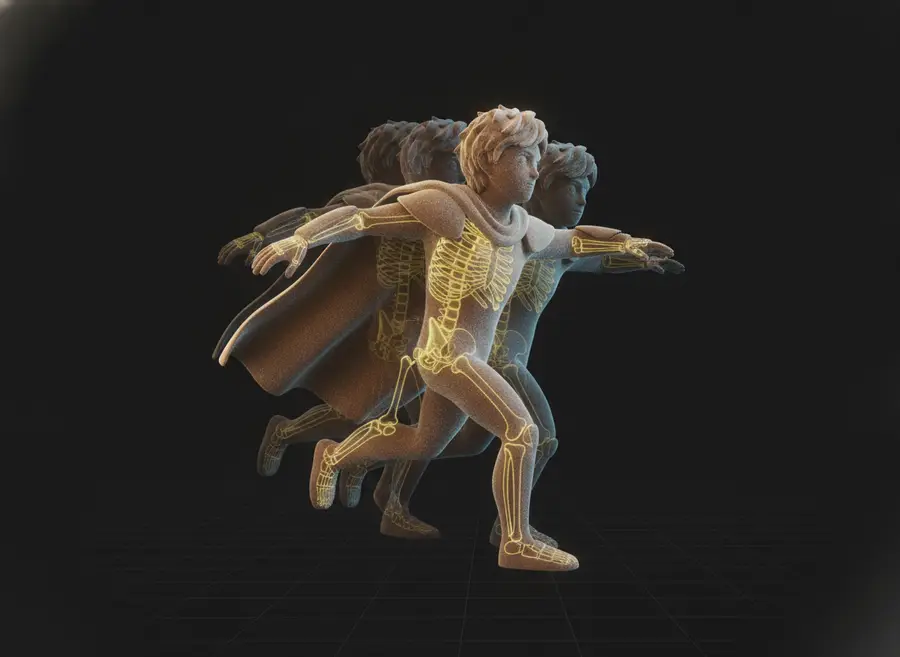
Step 2
AI Prepares the Model
AI automatically creates the skeleton and skinning needed for animation.
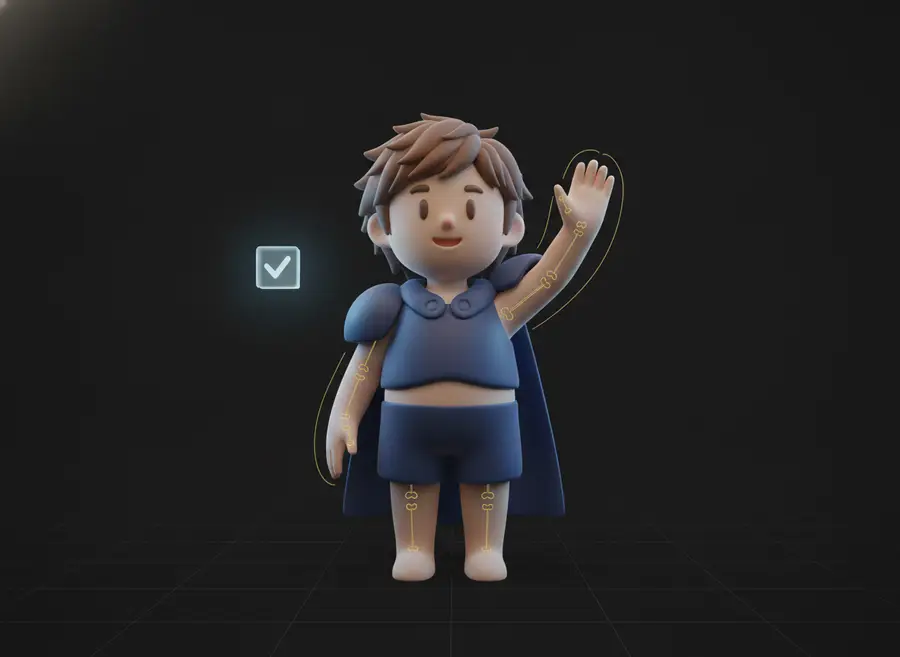
Step 3
Generate Motion
Describe an action in plain language, then preview the animated character online and export the animated FBX.
From Static Character to Animation — Without the Manual Setup
Auto Rigging Included
No need to manually create every bone before generating character animation — the workflow prepares your model automatically.
Text-Controlled Motion
Describe how your character should move using natural language.
Fast Animation Prototyping
Test character movement ideas in minutes instead of building every motion from scratch.
Animated FBX Export
Download the animated character and continue your workflow in Blender, Unity, Unreal, or other 3D tools.
What Can You Do with an AI 3D Character Animation Generator?
Indie Game Development
Quickly turn static character assets into animated game prototypes.
NPC Animation
Generate movement ideas for NPCs without creating every animation manually.
Avatar Animation
Bring AI-generated avatars and 3D characters to life with motion.
Character Previsualization
Test actions, poses, and movement concepts before detailed animation production.
AI 3D Workflow
Continue from Image-to-3D or Photo-to-3D workflows and turn generated characters into animated assets.
Example Character Animations
Each example runs the same pipeline: upload a static humanoid, auto-rig it, and generate the motion from a short text prompt.
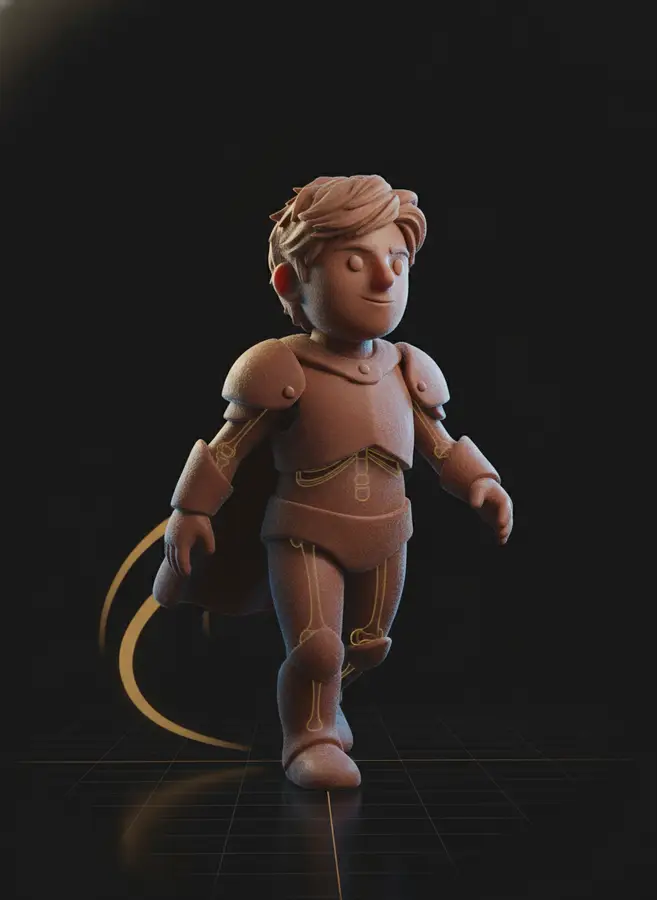
Walking Character
- Input
- Static humanoid 3D character.
- Motion
- Walk forward naturally.
- Output
- Rigged and animated FBX.
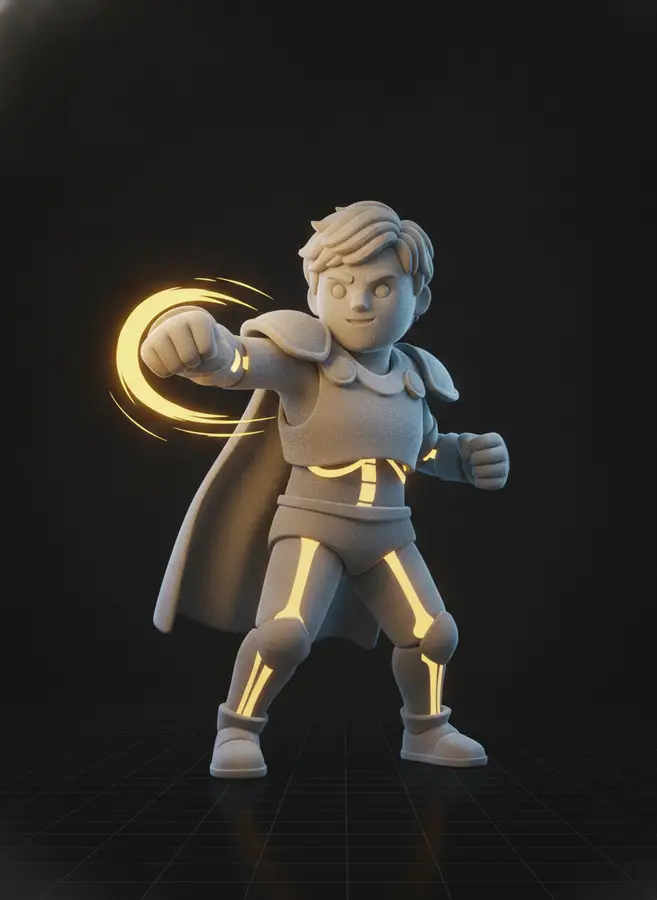
Character Greeting
- Input
- Static humanoid 3D character.
- Motion
- The character walks forward and waves with the right hand.
- Output
- Animated character preview with greeting motion.
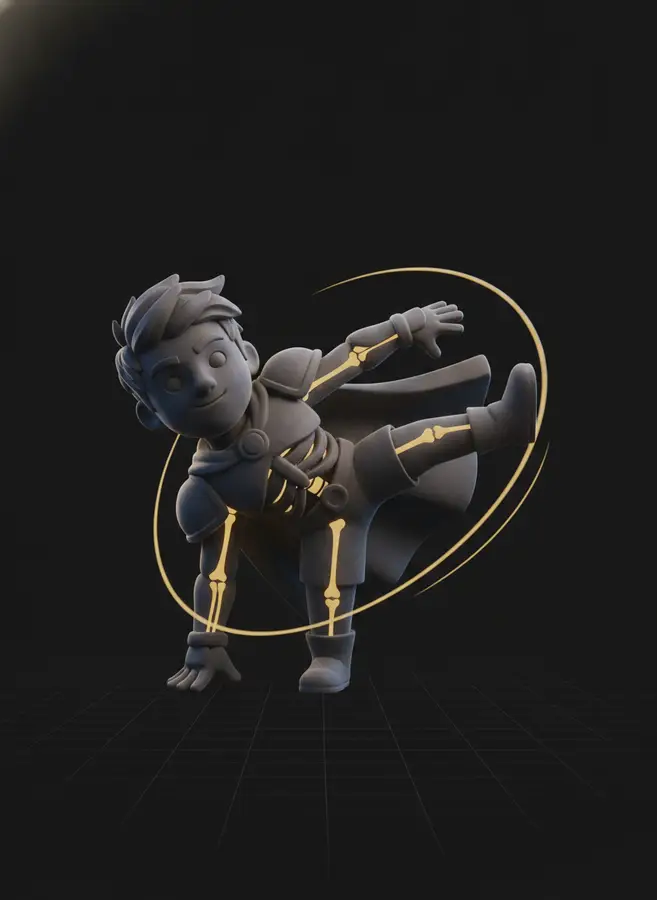
Combat Motion
- Input
- Stylized fighter character.
- Motion
- The fighter performs two punches followed by a kick.
- Output
- Combat character animation as FBX.
What Is an AI 3D Character Animation Generator?
An AI 3D character animation generator turns a static 3D character into an animated asset in one workflow: it automatically prepares the character rig — skeleton and skin weights — and then generates character motion from a plain-language description. Traditionally this takes two specialists and two tools: a rigger to build bones and paint weights, and an animator to keyframe the movement. Here you upload an FBX or GLB character, type how it should move, and download an animated FBX ready for Blender, Unity, or Unreal.
This online 3D character animation generator runs the full pipeline for you in a single 40-credit task. The AI first auto-rigs your uploaded humanoid model, then applies text-to-motion generation and retargets the result onto your freshly rigged character — the two steps stay invisible; you simply see your character start to move. Animations run from 3 to 12 seconds, with automatic duration matching available, and every result includes the skinned mesh so the export drops straight into a standard 3D pipeline.
It fits naturally after AI 3D generation: create a character with Image-to-3D or Photo-to-3D, animate it here, and export for your game, render, or previsualization. Compared with mocap-based options, character animation AI needs no footage, no suits and no rigging experience — which makes iterating on NPC movement, avatar gestures, and motion prototypes dramatically faster. For non-humanoid models, the standalone AI Auto Rigging page can still prepare a skeleton without motion, and the Text to 3D Motion tool generates motion data for the default character.
Frequently Asked Questions
What is an AI 3D Character Animation Generator?
It turns a static 3D character into an animated asset by automatically preparing the character rig and generating character motion with AI — all in one workflow.
Do I need to rig my character before uploading?
No. The complete character animation workflow includes automatic rigging before motion generation — upload a plain FBX or GLB character and AI handles the skeleton, skin weights and animation.
What file formats can I upload?
FBX and GLB character models are supported within the 60 MB file size limit shown in the upload area.
Can I generate animation from text?
Yes. Describe an action in natural language and AI will generate compatible character motion for the prepared character.
What can I export?
The generated character animation can be downloaded as an animated FBX, including the skinned mesh, for use in compatible 3D workflows.
Can I use the output in Blender, Unity, or Unreal?
Yes. Animated FBX is designed for standard 3D workflows and can be imported into tools such as Blender, Unity, Unreal, and other compatible applications.
Why does my model sometimes show clipping or deformation?
Animation quality depends on topology, proportions, clothing, character pose, and motion complexity. Extreme movements may cause minor intersections or skin deformation around joints or connected geometry.
What does the 40-credit price include?
The 40 credits cover the complete run: automatic rigging of your uploaded character plus the text-to-motion generation, including the online preview and animated FBX download. Trying another motion starts a new 40-credit run.
AI 3D Tools
AI Auto Rigging
Upload an FBX or GLB character and automatically generate bones and skin weights with AI. Optionally add a preset motion before generating, then preview or download your rigged model.
Text to 3D Motion
Describe a character action in plain language and generate reusable 3D motion with AI. Preview the animation online and export an animated FBX for your 3D workflow.
AI Texture Generator
Generate production-quality PBR textures for your 3D models in seconds with our AI Texture Generator
AI 3D Retopology
Upload any OBJ or GLB model and let AI rebuild the topology with fewer, cleaner polygons. Choose triangle or quad-oriented output, pick a detail level, and download a production-ready mesh in seconds.
AI UV Unwrapping
Upload an OBJ, GLB, or FBX model and let AI unwrap the UVs for you. No manual seam placement, no texture stretching — get a clean, texture-ready UV map and downloadable result files in seconds, right in your browser.
3D Model Splitter
Upload your 3D model and let AI automatically separate it into individual parts. Extract characters, accessories, objects, and components for easier editing, customization, 3D printing, and game workflows.
Photo to 3D Avatar
Make Your Custom 3D Avatar from a Single Photo
Custom 3D Figurine from Photo
Upload one photo and turn it into a custom 3D figurine that keeps the person, pose, outfit, and framing recognizable.
Sketch to 3D Model
Upload a drawing, describe the materials, and get a clean textured 3D model in minutes — no 3D modeling skills required.
Make Your 3D Character Move Today
One upload, one sentence, one animated FBX. Start with a free account and 30 bonus credits.


