Image3D AI: Fast 3D Image to 3D & STL Converter
Image to 3D and Beyond — All in One Place
Create 3D models from images with multiple AI engines. Then refine, texture, rig, and animate them — all on one platform.

Preparing interactive 3D preview
The viewer loads automatically after the page loads.
Drag file here or click
or click to select file (max 10MB)
Hint: Images with clear outlines and simple backgrounds produce the best results. PNG, JPEG, and WEBP formats are supported.
These example models are already generated and ready to view. Generating a model from your own image takes time.
Model
Texture Quality
Login Status
Login to GenerateCost This Time
4
Sign in to generate your 3D model.
Explore AI-Generated 3D Models
Discover real 3D models created with Image3D AI — from characters and creatures to products and fantasy assets.
Selected 3D examples. Results vary by input image, AI engine, and settings. Standard and premium generation options may differ in features and credit costs.
Why Create with Image3D AI?
More ways to create and refine 3D assets, all in one place.
Multiple AI Engines
Explore different 3D generation engines without switching between separate services.
One Account, One Credit Balance
Use supported AI models and 3D tools with one account. See the credit cost before starting each task.
Beyond 3D Generation
Refine your model with retopology, UV unwrapping, texturing, rigging, animation, and format conversion tools.
What Can You Create with Image3D AI?
Explore examples of characters, collectibles, products, and imaginative 3D concepts.
Game & Fantasy Characters
Explore character concepts for games and imaginary worlds.
Digital Human Characters
Create human character concepts from reference images.
Stylized Figurines
Turn character ideas into playful 3D collectible designs.
Products & Decor
Explore 3D concepts for objects, accessories, and decor.
Animals & Mascots
Create expressive animal models and mascots.
For Game Developers
Rapidly generate 3D assets for games, with PBR material support. Import directly into Unity or Unreal Engine.
For E-commerce
Convert product images into interactive 3D models for AR previews or online 3D showcases.
For 3D Printing
Our image to STL converter helps turn clear source images into practical files for 3D printing workflows.
For Architecture & Design
Quickly generate architectural models for architects, saving modeling time from scratch and improving efficiency.
AI 3D Tools

AI Texture Generator
Generate production-quality PBR textures for your 3D models in seconds with our AI Texture Generator

AI 3D Retopology
Upload any OBJ or GLB model and let AI rebuild the topology with fewer, cleaner polygons. Choose triangle or quad-oriented output, pick a detail level, and download a production-ready mesh in seconds.

AI UV Unwrapping
Upload an OBJ, GLB, or FBX model and let AI unwrap the UVs for you. No manual seam placement, no texture stretching — get a clean, texture-ready UV map and downloadable result files in seconds, right in your browser.

3D Model Splitter
Upload your 3D model and let AI automatically separate it into individual parts. Extract characters, accessories, objects, and components for easier editing, customization, 3D printing, and game workflows.
Best Practices Guide
Use a clear image and choose suitable generation settings. These tips will help you get better 3D results.
Choose the Right Image
A good source image is key for successful image to 3d conversion. High-quality input leads to a better image to 3d model output. We recommend using high-contrast images with clear outlines and simple backgrounds. Avoid blurry, low-light, or occluded subjects. For image to stl printing workflows, clean silhouettes work best.
Understand the Generation Modes
Our image to 3d model generator offers several modes: Normal is ideal for most scenarios, balancing quality and speed; Low Poly is suited for game or AR assets with a lower polygon count; Geometry focuses on 3D printing, generating only the mesh without textures.
Know Your File Formats
Unsure which format to download? Here's a quick guide: .STL is the standard for 3D printing; .OBJ is a traditional 3D editing format, compatible with almost all 3D software; .GLB is the modern standard for Web and AR, packing all info (model, textures) into one file. Each image to 3d model export supports these formats.
Leverage Multi-view Mode
Single Image mode is perfect for logos or sketches. But if you're converting a real-world object (like a shoe), we highly recommend using Multi-view mode for your image to 3d model. By providing front, side, and back views, the AI can perform a physically accurate reconstruction.
Why Our AI Conversion is Different
Not all "image to 3d" technologies are created equal. Compare our converter with traditional methods.
Our AI Image to 3D Generator
Single Image Generation
Yes (AI-powered from one image)
Processing Speed
~60 Seconds
PBR Materials
Auto-generated (Optional)
Mesh Quality
Clean, Optimized, Low-poly
Best For
Image to STL, Games, E-commerce, Prototypes
Traditional Photogrammetry
Single Image Generation
No (Requires 20+ photos)
Processing Speed
Hours (Depends on photo count)
PBR Materials
Requires complex manual capture & baking
Mesh Quality
Noisy, high-poly, requires manual cleanup
Best For
GIS, Architecture, Cultural Heritage
Rapid Mode (Single-view) vs Pro Mode (Multi-view): Which Mode Should I Use?
You might be wondering whether to use "Single Image" (Rapid Mode) or "Multi-view" (Pro Mode) for your conversion. Each generation mode serves different needs.
Rapid Mode (Single-view) Image to 3D
Relies on AI inference from one source image. It is best for turning logos, sketches, flat designs, and cartoons into usable 3D models. A fast single image to 3d model solution when you need quick results.
Pro Mode (Multi-view) Image to 3D
This is closer to traditional photogrammetry, but with an AI workflow. The system analyzes multiple angles (front, side, back) to create a more faithful model. Best for e-commerce products, image to stl for printing, and real-world objects like shoes or sculptures. This multi-view approach delivers higher accuracy.
AI Image to 3D and STL Conversion Technology
Core Workflow: AI Image to 3D Model Generation
Our image to 3d service uses AI model generation, file processing, and browser preview tools to convert single or multiple image references into usable 3D assets. Each image to 3d model is processed through our advanced pipeline. The workflow is designed for both image to stl and image to 3d model use cases, helping users move from a 2D source image to a downloadable model faster.
Key Advantages: Why Our Image to STL & Image to 3D Converter?
- Flexible Input: Start from a single image for fast generation, or use multi-view input when the object needs more shape detail. Our image to 3d model generator handles both.
- Material Options: Generate textured 3D assets for web previews, product visualization, games, and creative workflows. Each image to 3d model can include PBR materials.
- High Fidelity: Create detailed 3D geometry from a clear reference image, then export your model as STL.
- Fast Generation: Get from image upload to a previewable 3D result quickly, reducing the time spent on manual modeling. Your image to 3d model is ready in under 60 seconds.
Use Cases & Precision Control
Our image to stl converter supports generation choices for different output goals. Choose the right image to 3d model mode for your needs:
Normal Mode: Dynamic precision, ideal for most image to 3d scenarios, balancing quality and speed. This image to 3d model mode works for most objects.
Low Poly Mode: Optimized for low-polygon count, suitable for game or AR asset creation using image to 3d conversion. Generate a lightweight image to 3d model.
Geometry Mode: Prioritizes geometry for image to stl workflows, generating a textureless "white model" perfect for 3D printing or structural analysis. This image to 3d model mode skips texturing.
Image to 3D & STL FAQ
Ready to Generate Your Image to 3D Model?
Transform your 2D images into stunning 3D models in seconds. Our image to 3d model generator delivers professional results with no technical skills required.
Questions or suggestions about our image to 3d model tool? Email us anytime at [email protected] and we'll help you out quickly.
Start Generating 3D Models NowLatest 3D AI guides
Practical tutorials for turning images into 3D models, choosing the right AI model, and preparing better source images.
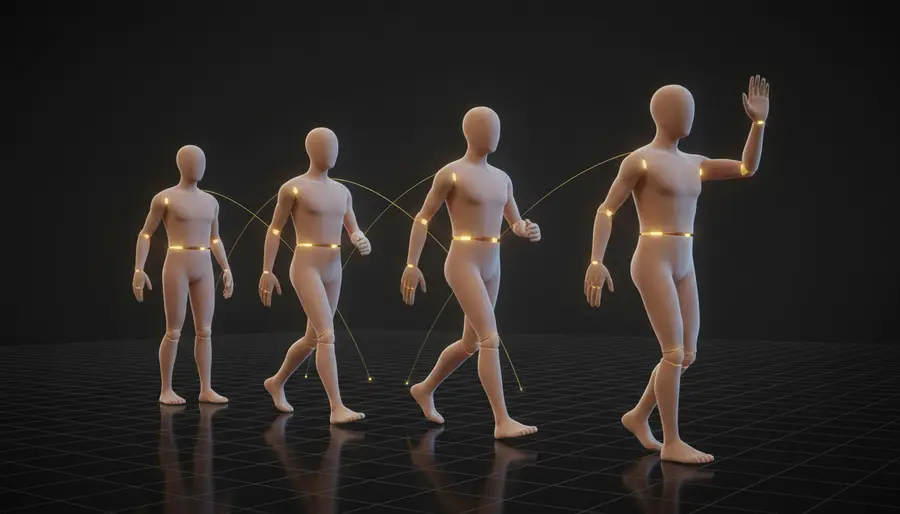
AI 3D Animation Generator: Animate Characters with AI
Learn what an AI 3D animation generator does, how auto rigging and text-to-motion work, how to prepare characters and write motion prompts, and how to export animated FBX files.
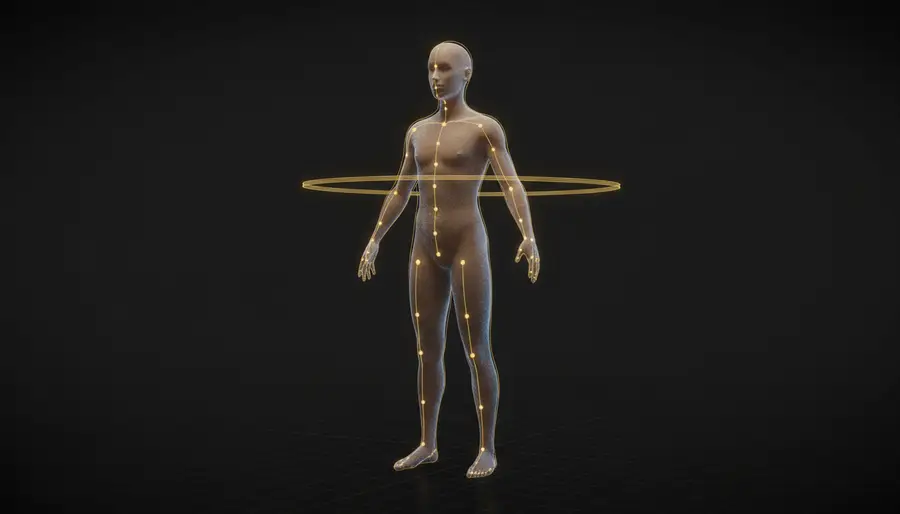
AI Auto Rigging: How to Rig a 3D Character Automatically
Learn what AI auto rigging does, how it builds skeletons and skin weights from a static mesh, how to prepare models and review rigs, and how it compares with Mixamo, AccuRIG, and manual rigging.
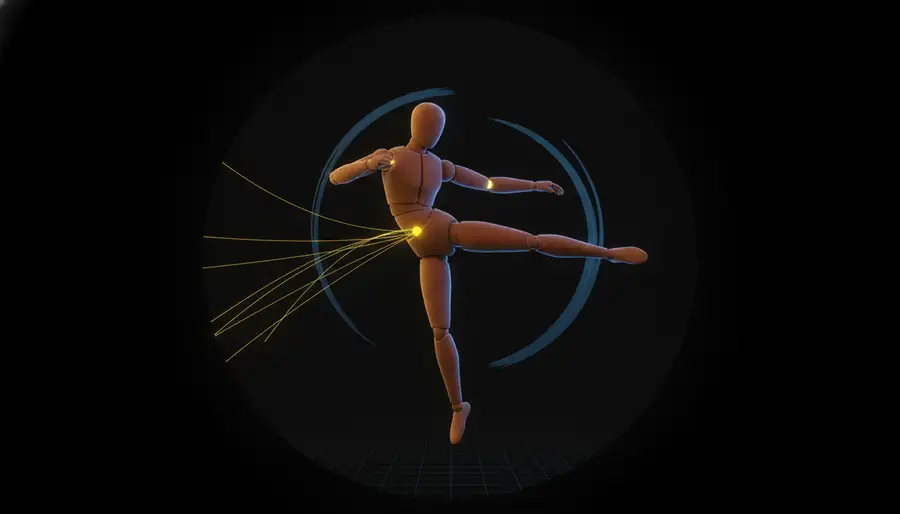
Text to 3D Motion: Generate Character Animation from Text
Learn what text to 3D motion is, how prompt-driven motion generation works, how to write motion prompts and pick durations, and how to export animated FBX files.

Product
AI 3D Character Animation GeneratorAI Auto RiggingText to 3D MotionAI Texture GeneratorAI 3D RetopologyAI UV Unwrapping3D Model SplitterPhoto to 3D AvatarCustom 3D Figurine from PhotoAll ConvertersPricingBlogAI Format Conversion
For 3D Printing
For Apple AR
AI Format Conversion
For Video / Social
For DCC / Game Pipelines


ImageToSTL