AI 3D MODEL SEGMENTATION TOOL
Split 3D Models Into Separate Parts with AI
Upload your 3D model and let AI automatically separate it into individual parts. Extract characters, accessories, objects, and components for easier editing, customization, 3D printing, and game workflows.
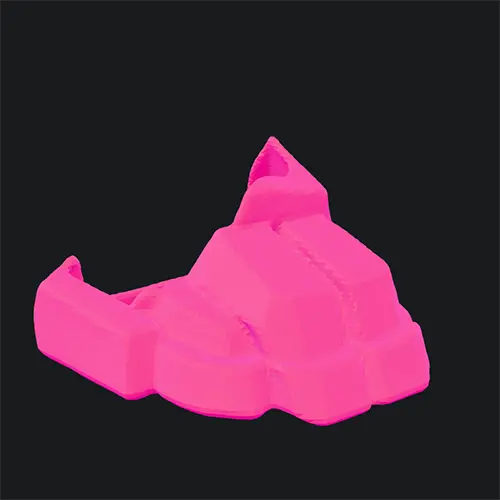
Real Result: 1 FBX → 17 Separate Parts
This is an actual split result produced by our AI. A single FBX character model was automatically segmented into 17 individual parts — each one a separate, downloadable mesh.
 1
1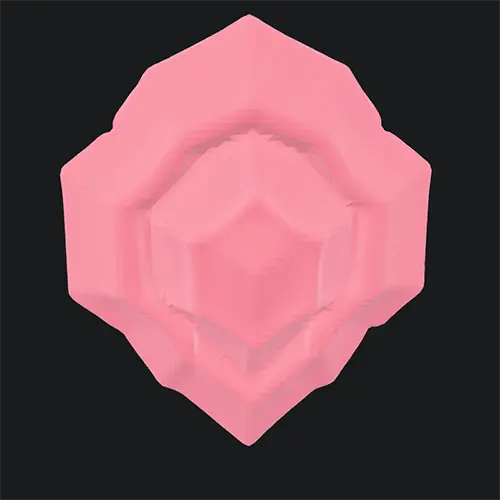 2
2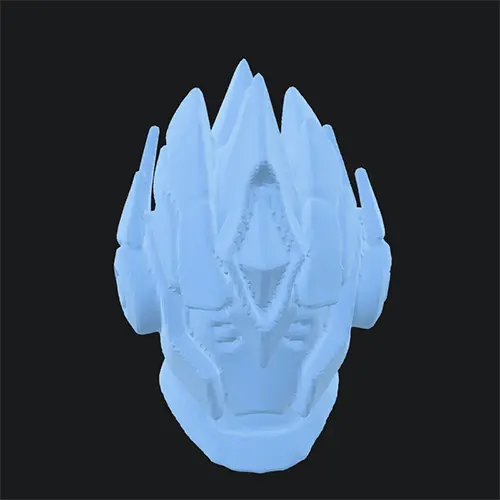 3
3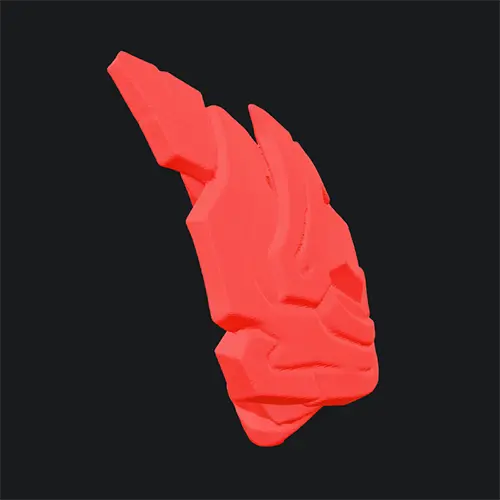 4
4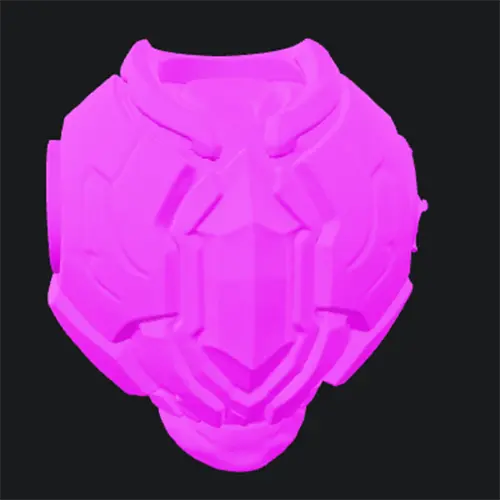 5
5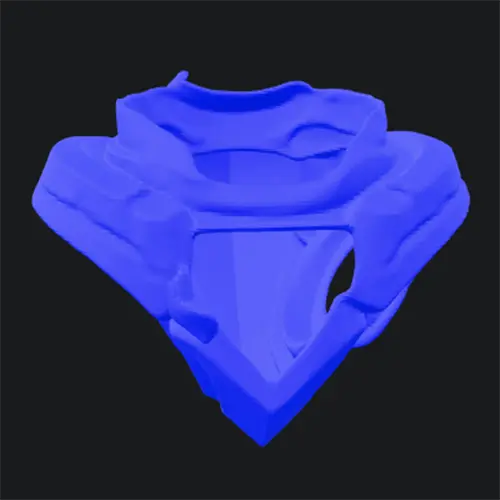 6
6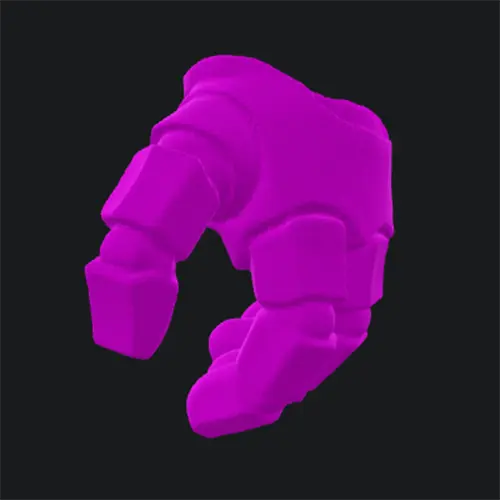 7
7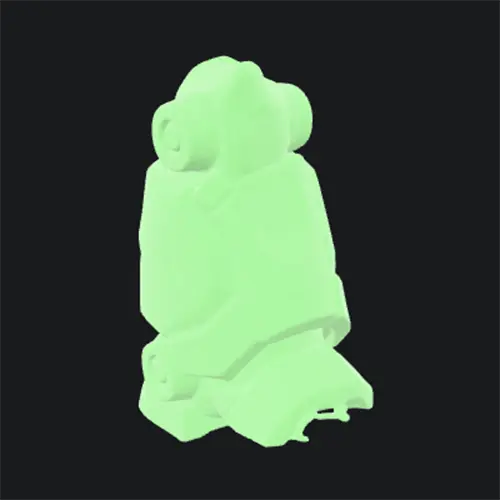 8
8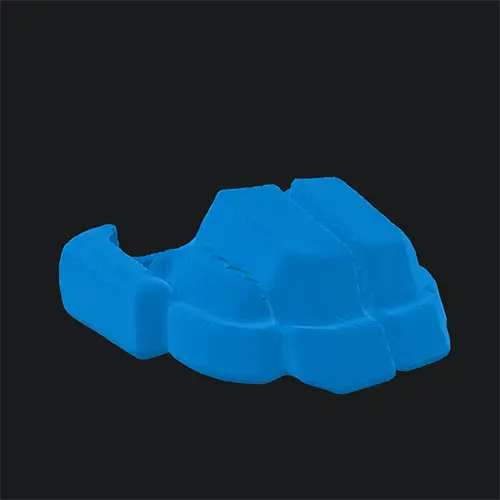 9
9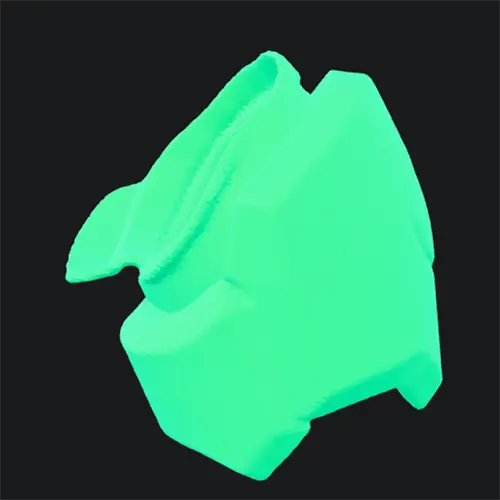 10
10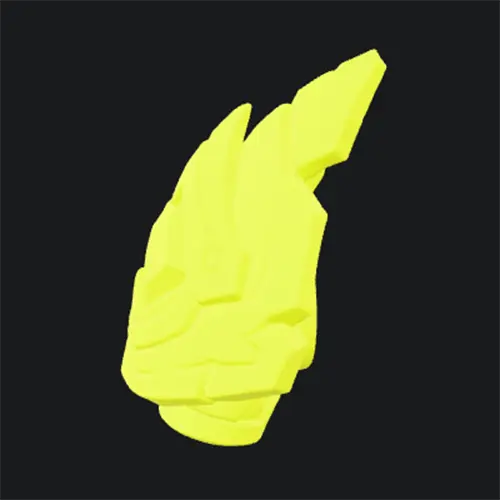 11
11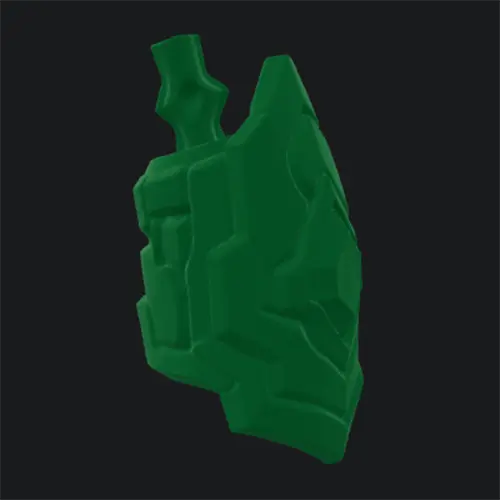 12
12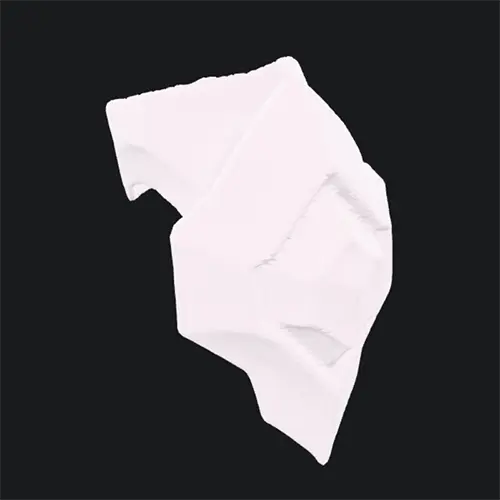 13
13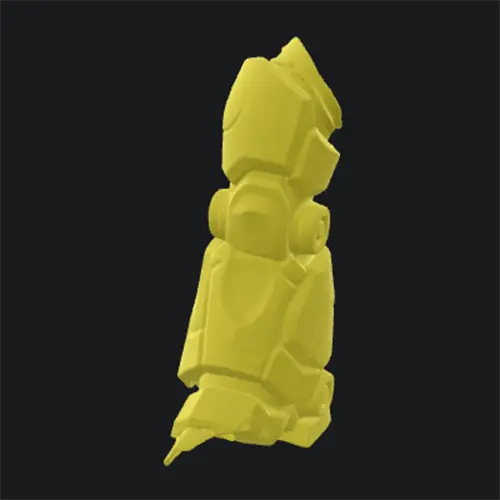 14
14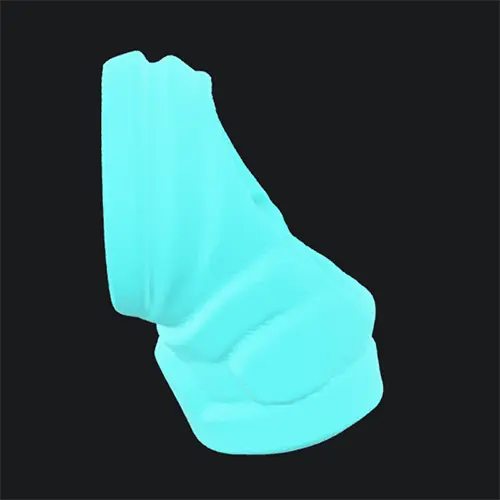 15
15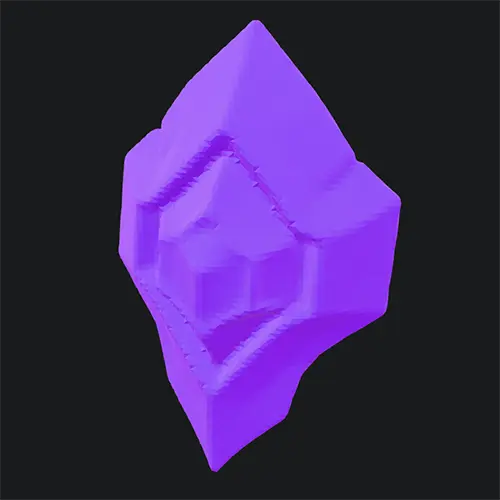 16
16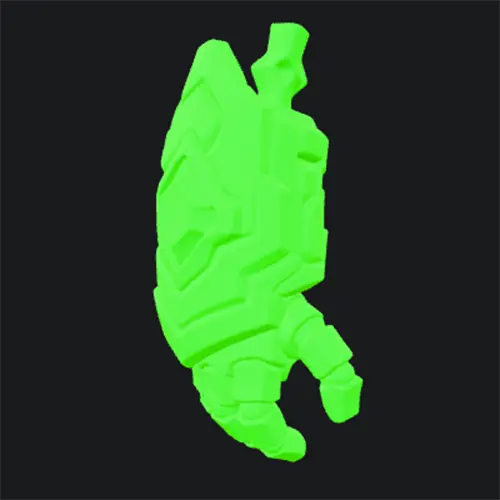 17
17What Is AI 3D Model Splitting?
AI 3D model splitting — also called mesh segmentation or 3D part segmentation — takes a single 3D mesh and uses a trained model to identify where one logical part ends and another begins. Instead of manually selecting faces in Blender or Maya, you upload the file and the AI returns each detected component as its own mesh.
Our splitter is powered by Tencent Hunyuan 3D's Part model (v1.5). It understands common structural patterns — a character's head, torso, arms, and legs; a vehicle's body, wheels, and mirrors; a prop's handle and blade — and produces a downloadable package of separated 3D parts, alongside segmentation JSON when the provider returns it.
Preview the separated parts in a 3D viewer, download all files as a ZIP or individually, and use the segmentation metadata in downstream pipelines when available. Output formats are determined by the provider and may include GLB, OBJ, or FBX.
Why Split a 3D Model Into Parts?
Edit Each Part Independently
Once a mesh is split, you can move, scale, recolor, or replace individual components without re-topologizing the whole asset.
Prepare for Rigging and Animation
Riggers and animators need separated limbs and accessories to build clean skeletons and skin weights. AI splitting removes hours of manual masking.
3D Print Only What You Need
Print one part at a time, swap materials per component, or scale pieces independently. No more cutting a single mesh in slicer software.
Game and Scene Assembly
Import pre-split parts straight into Unity, Unreal, or Blender. Swap accessories, hide sub-meshes, or attach physics bodies per component.
Supported Input and Output
The splitter accepts FBX input and returns the segmented result as standard 3D formats you can open in any DCC tool.
FBX Input
Upload binary or ASCII FBX up to 60 MB. FBX is the required input format for the Hunyuan Part model.
3D Parts Output
The provider returns the segmented parts in its available 3D format, such as GLB, OBJ, or FBX. Every returned file is shown for individual download and included in the ZIP package.
Segmentation JSON
A JSON file describes how the original mesh was segmented — part indices, labels, and the mapping back to source geometry.
Who Uses AI 3D Model Splitting?
3D Printing Hobbyists
Split a character or figurine into parts that fit your print bed, then glue and paint each piece separately for cleaner results.
Tabletop and Miniature Makers
Separate weapons, heads, and accessories so you can magnetize, swap, and customize miniatures without re sculpting.
Game Developers
Drop pre-split meshes into your engine, assign materials per part, and attach collision or physics bodies to individual components.
Riggers and Animators
Get a head start on rigging by receiving separated limbs and accessories instead of cutting a single mesh by hand.
Product and Prop Designers
Iterate on individual components — a handle, a lid, a panel — without remodeling the whole product each cycle.
AR and VR Creators
Deliver modular assets where users can hide, show, or replace parts at runtime in AR and VR experiences.
How It Works
Step 1
Upload an FBX File
Drag in a single FBX model up to 60 MB. The file is validated and frozen before processing.
Step 2
AI Segmentation
The Hunyuan Part model analyzes the mesh structure and identifies logical components automatically.
Step 3
Preview Parts
Inspect the separated parts in an in-browser 3D viewer before committing to a download.
Step 4
Download and Use
Download the generated parts as a ZIP or as individual files, plus segmentation JSON when available. The actual file format is shown with each result.
Frequently Asked Questions
What is AI 3D model splitting?
AI 3D model splitting — also known as mesh segmentation or 3D part segmentation — uses a trained model to detect structural components inside a 3D mesh (for example the head, torso, arms, and legs of a character) and produces a segmented result you can download and use directly.
What input formats does the 3D Model Splitter support?
The splitter accepts FBX files up to 60 MB. FBX is the required input format for the Hunyuan 3D Part model. If your asset is in OBJ, GLB, or another format, convert it to FBX first using our format conversion tools.
What files do I get back?
You receive downloadable separated 3D part files, plus segmentation JSON when the provider returns one. The provider determines the output format, which may include GLB, OBJ, or FBX. Every returned file is listed individually and included in a ZIP download.
How many credits does a split cost?
Each split costs 60 credits. Credits are only deducted when the job succeeds — if the AI fails to produce parts, your credits are refunded automatically.
How accurate is the AI mesh segmentation?
The splitter uses Tencent Hunyuan 3D Part model v1.5, which handles common organic and hard-surface models well. Complex or unusual meshes may produce unexpected boundaries; review the result in the 3D preview before downloading.
How long does a split take?
Most splits finish within a few minutes. Larger or complex meshes can take longer. If a job runs past 30 minutes it is flagged as delayed but continues processing in the background — you will not be charged if it ultimately fails.
Can I use the split parts for 3D printing?
Yes. Download the separated parts and convert them to the format required by your slicer when necessary. GLB is widely supported by 3D tools such as Blender; export to STL or OBJ before printing if your slicer requires it.
Is my uploaded 3D model private?
Your file is uploaded to your private storage, frozen to a task-specific copy, and processed by the AI provider. Result files are only accessible through your authenticated account — they are not publicly listed.
What happens if the job fails?
If the provider returns a failure or the post-processing step cannot produce any usable parts, the task is marked failed and your 60 credits are refunded automatically. You can retry with a different file.
Can the splitter handle multiple parts automatically?
Yes. The AI decides how many components to split a model into based on its structure. The result package contains the segmented meshes — no need to specify part counts in advance.
Do I need to install any software?
No. Processing runs in the cloud — just upload your FBX, preview the parts online, and download the returned files or ZIP package without installing plugins or desktop tools.
Can I split models for commercial projects?
Yes. Output files can be used in personal and commercial projects including games, products, printed merchandise, and client work, subject to your plan's terms.
AI 3D Tools
AI Texture Generator
Generate production-quality PBR textures for your 3D models in seconds with our AI Texture Generator
AI 3D Retopology
Upload any OBJ or GLB model and let AI rebuild the topology with fewer, cleaner polygons. Choose triangle or quad-oriented output, pick a detail level, and download a production-ready mesh in seconds.
AI UV Unwrapping
Upload an OBJ, GLB, or FBX model and let AI unwrap the UVs for you. No manual seam placement, no texture stretching — get a clean, texture-ready UV map and downloadable result files in seconds, right in your browser.
Photo to 3D Avatar
Make Your Custom 3D Avatar from a Single Photo
Custom 3D Figurine from Photo
Upload one photo and turn it into a custom 3D figurine that keeps the person, pose, outfit, and framing recognizable.
Sketch to 3D Model
Upload a drawing, describe the materials, and get a clean textured 3D model in minutes — no 3D modeling skills required.
Ready to Split Your Next 3D Model?
Upload an FBX file and get clean, separated parts in minutes. 60 credits per split — no charge if the AI fails.


