AI 3D Retopology
AI 3D Retopology Tool — Clean Up High-Poly Meshes Online
Upload any OBJ or GLB model and let AI rebuild the topology with fewer, cleaner polygons. Choose triangle or quad-oriented output, pick a detail level, and download a production-ready mesh in seconds.
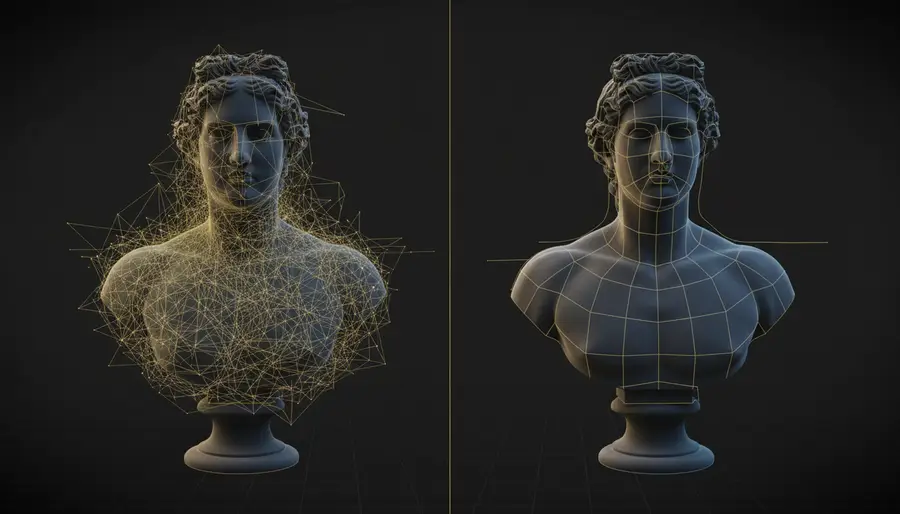
See AI Retopology in Action
A real user job: original model, retopologized result, and output files.
Example 1
Triangles 18,999 → 7,063 (-62.8%)File size 8.8 MB → 240 KB (-97.3%)Original model
Retopologized result
Output files
What Is AI 3D Retopology?
AI 3D retopology is the process of using artificial intelligence to rebuild the polygon structure of a 3D model. High-poly meshes from 3D scanning, sculpting tools, or photogrammetry often have dense, uneven geometry that slows down rendering, animation, and real-time applications.
Our AI-powered retopology tool analyzes the shape of your model and generates a new, cleaner mesh with more uniform polygon distribution, fewer total faces, and better edge flow — all without manual work.
Why Retopology Matters for 3D Workflows
Real-Time Performance
Lower-poly meshes run significantly faster in game engines like Unity and Unreal Engine. Retopology reduces draw calls and improves frame rates.
Clean Edge Flow
AI-generated retopology produces more uniform quad-oriented or triangle meshes that deform better during animation and rigging.
Smaller File Sizes
Optimized meshes with fewer polygons result in smaller file sizes, faster loading times, and lower bandwidth costs for web-based 3D experiences.
AR & VR Readiness
Augmented and virtual reality applications have strict polygon budgets. Retopology helps you meet those limits while preserving visual fidelity.
Choosing the Right Retopology Parameters
Triangle Mesh
Triangle output generates a mesh made entirely of triangular polygons. This is the most universal format — compatible with every 3D engine, viewer, and file format. Choose triangle when you need maximum compatibility.
Quad-Oriented Mesh
Quad output produces a quad-oriented mesh topology, which is preferred for character modeling, animation, and sculpting. Quad meshes support edge-loop selection and deform more predictably during rigging.
Detail Levels
High Detail
Preserves the most detail from the original model. Best for models where surface accuracy matters more than polygon count.
Medium Detail
The balanced default. Good surface fidelity with a meaningful polygon reduction. Suitable for most real-time and web-based applications.
Low Detail
Maximum polygon reduction with simplified geometry. Ideal for LODs (Levels of Detail), mobile 3D, and preview meshes.
Use Cases for AI 3D Retopology
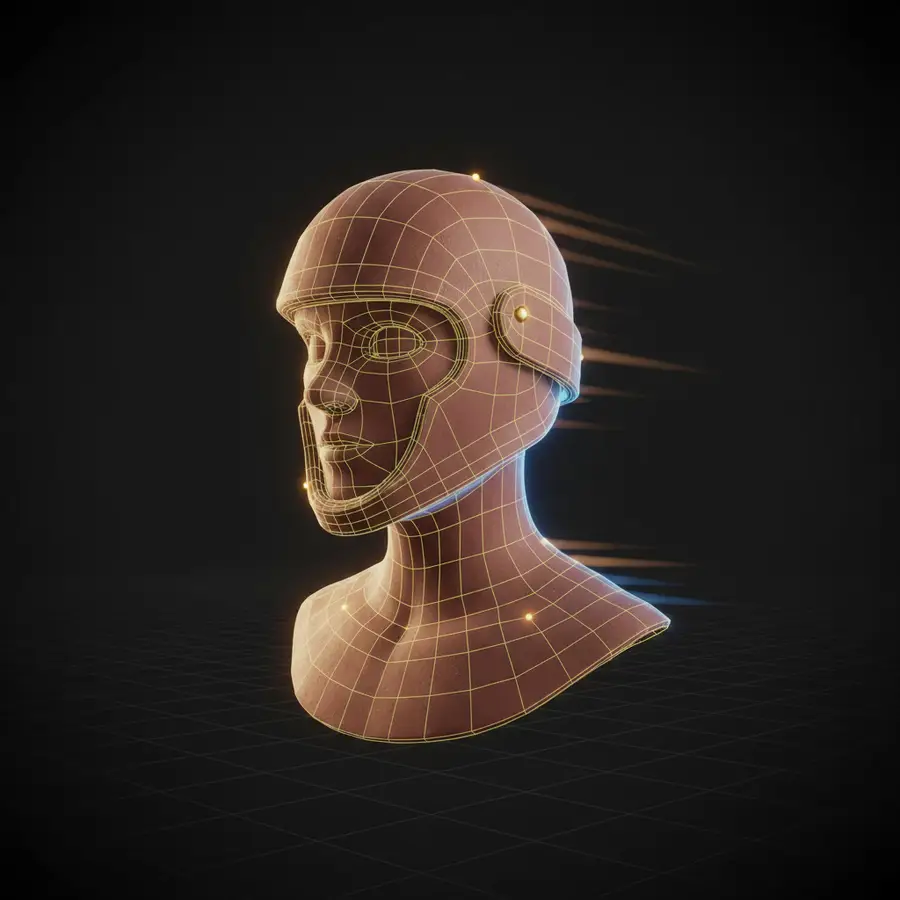
Game Asset Optimization
Reduce high-poly sculpts and scanned assets to game-ready meshes that meet polygon budgets for Unity, Unreal, and WebGL engines.
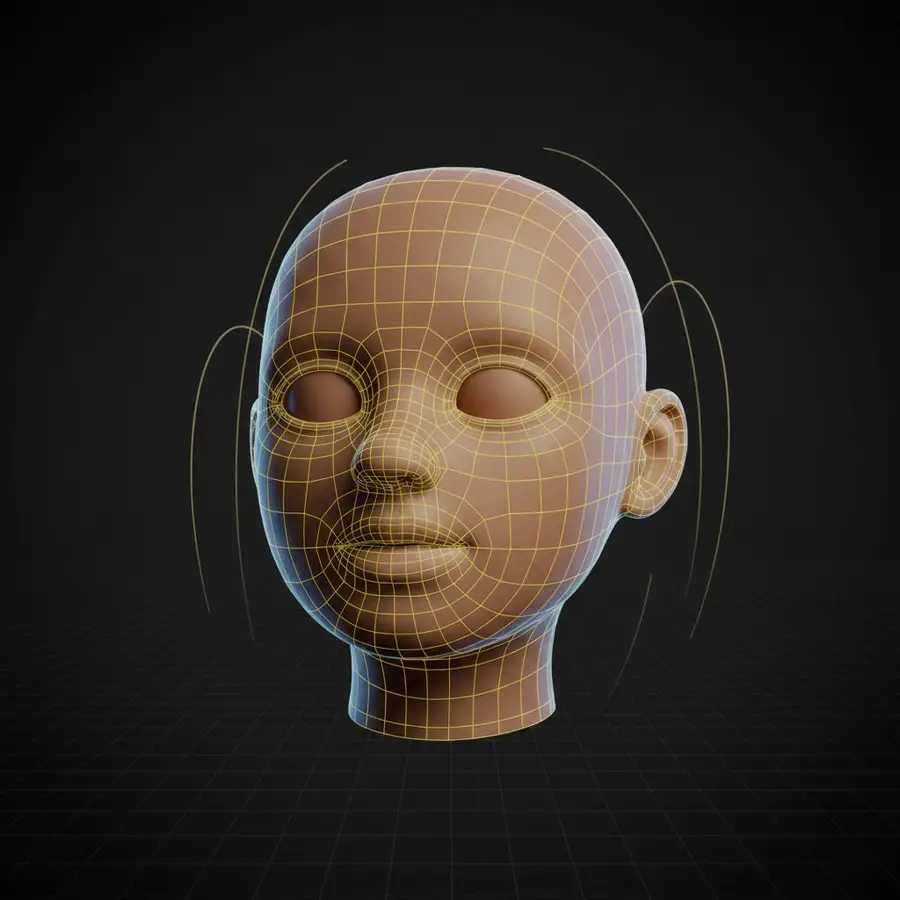
3D Scanning Cleanup
Photogrammetry and LiDAR scans produce dense, noisy meshes. Retopology cleans them into smooth, printable, or animatable models.
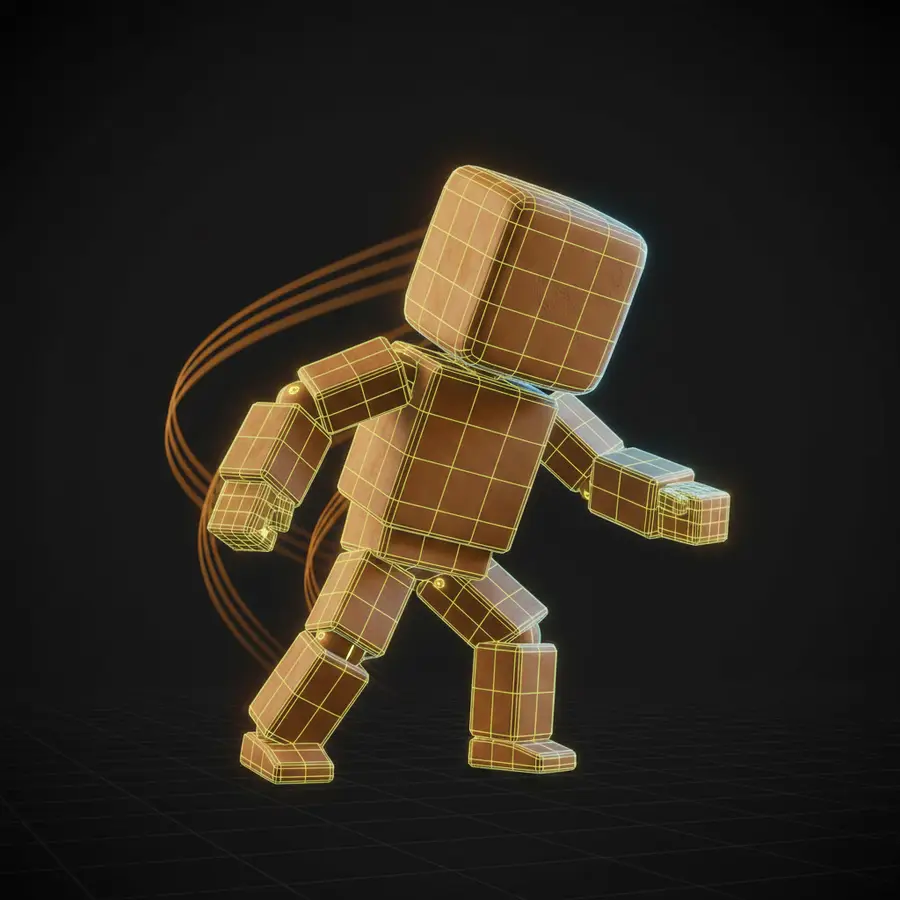
E-Commerce & Web 3D
Optimize product models for fast loading in online stores, configurators, and AR previews. Smaller files mean better conversion rates.
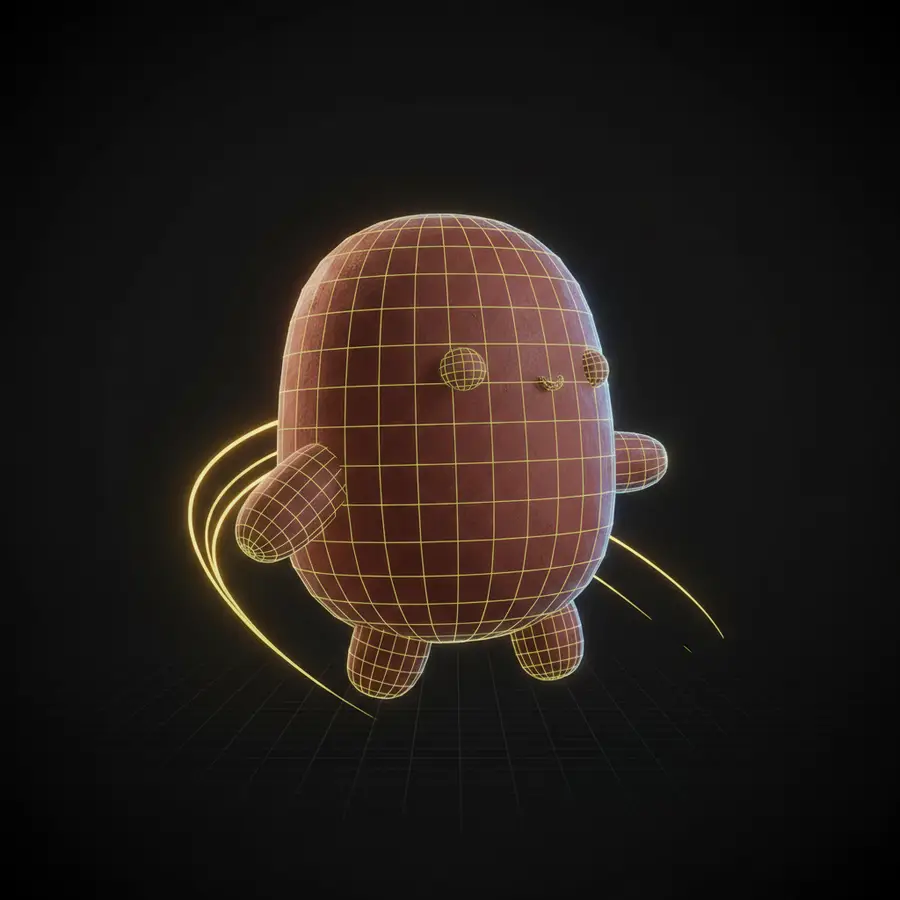
Animation & Rigging Prep
Quad-oriented retopology produces the clean edge flow needed for skeletal animation, blend shapes, and facial rigs.
3D Printing Preparation
Clean up scanned or sculpted models before 3D printing. Retopology produces watertight, manifold meshes that slice reliably.
How AI 3D Retopology Works
Step 1
Upload Your Model
Drag and drop an OBJ or GLB file up to 60 MB. The file is securely uploaded and processed entirely on the server.
Step 2
Choose Parameters
Select triangle or quad-oriented mesh output, and pick a detail level — High, Medium, or Low — based on your target polygon count.
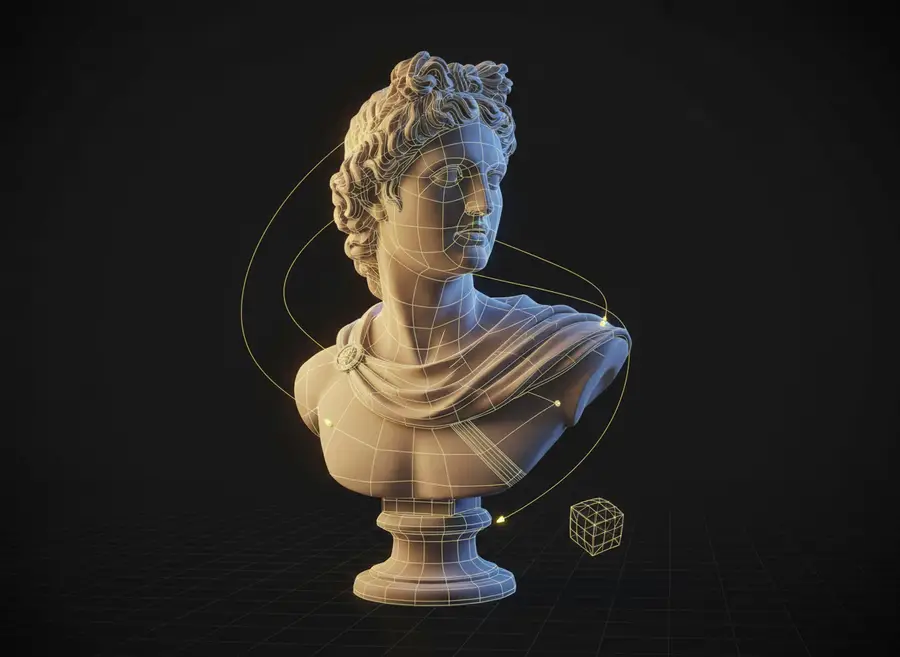
Step 3
AI Optimization
Our AI analyzes the surface geometry and generates a new, optimized mesh with cleaner topology and fewer polygons.
Step 4
Preview & Download
Preview the retopologized model in the browser, then download the result in GLB or OBJ format for use in any 3D application.
Frequently Asked Questions
What is AI 3D retopology?
AI 3D retopology uses artificial intelligence to automatically rebuild the polygon structure of a 3D model. It takes a high-poly mesh — often from 3D scanning or sculpting — and produces a cleaner mesh with fewer, more evenly distributed polygons.
What file formats can I upload?
You can upload OBJ or GLB files, up to 60 MB per file. Both formats are widely used in 3D scanning, sculpting, and game development.
How many credits does AI retopology cost?
Each retopology job costs 100 credits, regardless of the file size or parameter settings. If the job fails, your credits are refunded automatically.
What is the difference between triangle and quad output?
Triangle output produces a universal mesh made of triangular polygons, compatible with every 3D engine. Quad-oriented output produces a mesh with mostly four-sided polygons, which is preferred for animation, rigging, and sculpting workflows.
What face level should I choose?
Choose High if you need to preserve surface detail, Medium for a balanced result (the default), or Low for maximum polygon reduction. The right choice depends on your downstream use — real-time apps benefit from lower polygon counts, while 3D printing or close-up renders benefit from higher detail.
Can I preview the retopologized model online?
Yes. If the output includes a GLB file, you can preview it directly in the browser using our 3D viewer. OBJ-only results are available as download files.
Will the original model be changed?
No. The original file is never modified. The retopology tool generates a new, separate mesh that you can download alongside or instead of your original model.
AI 3D Tools
AI 3D Character Animation Generator
Upload your 3D character, let AI automatically rig it, then generate character motion in one seamless workflow. Preview the animation online and export an animated FBX in minutes.
AI Auto Rigging
Upload an FBX or GLB character and automatically generate bones and skin weights with AI. Optionally add a preset motion before generating, then preview or download your rigged model.
Text to 3D Motion
Describe a character action in plain language and generate reusable 3D motion with AI. Preview the animation online and export an animated FBX for your 3D workflow.
AI Texture Generator
Generate production-quality PBR textures for your 3D models in seconds with our AI Texture Generator
AI UV Unwrapping
Upload an OBJ, GLB, or FBX model and let AI unwrap the UVs for you. No manual seam placement, no texture stretching — get a clean, texture-ready UV map and downloadable result files in seconds, right in your browser.
3D Model Splitter
Upload your 3D model and let AI automatically separate it into individual parts. Extract characters, accessories, objects, and components for easier editing, customization, 3D printing, and game workflows.
Photo to 3D Avatar
Make Your Custom 3D Avatar from a Single Photo
Custom 3D Figurine from Photo
Upload one photo and turn it into a custom 3D figurine that keeps the person, pose, outfit, and framing recognizable.
Sketch to 3D Model
Upload a drawing, describe the materials, and get a clean textured 3D model in minutes — no 3D modeling skills required.
Optimize Your 3D Models with AI Retopology
No manual cleanup, no desktop software. Upload any high-poly OBJ or GLB and get a production-ready mesh in seconds.


